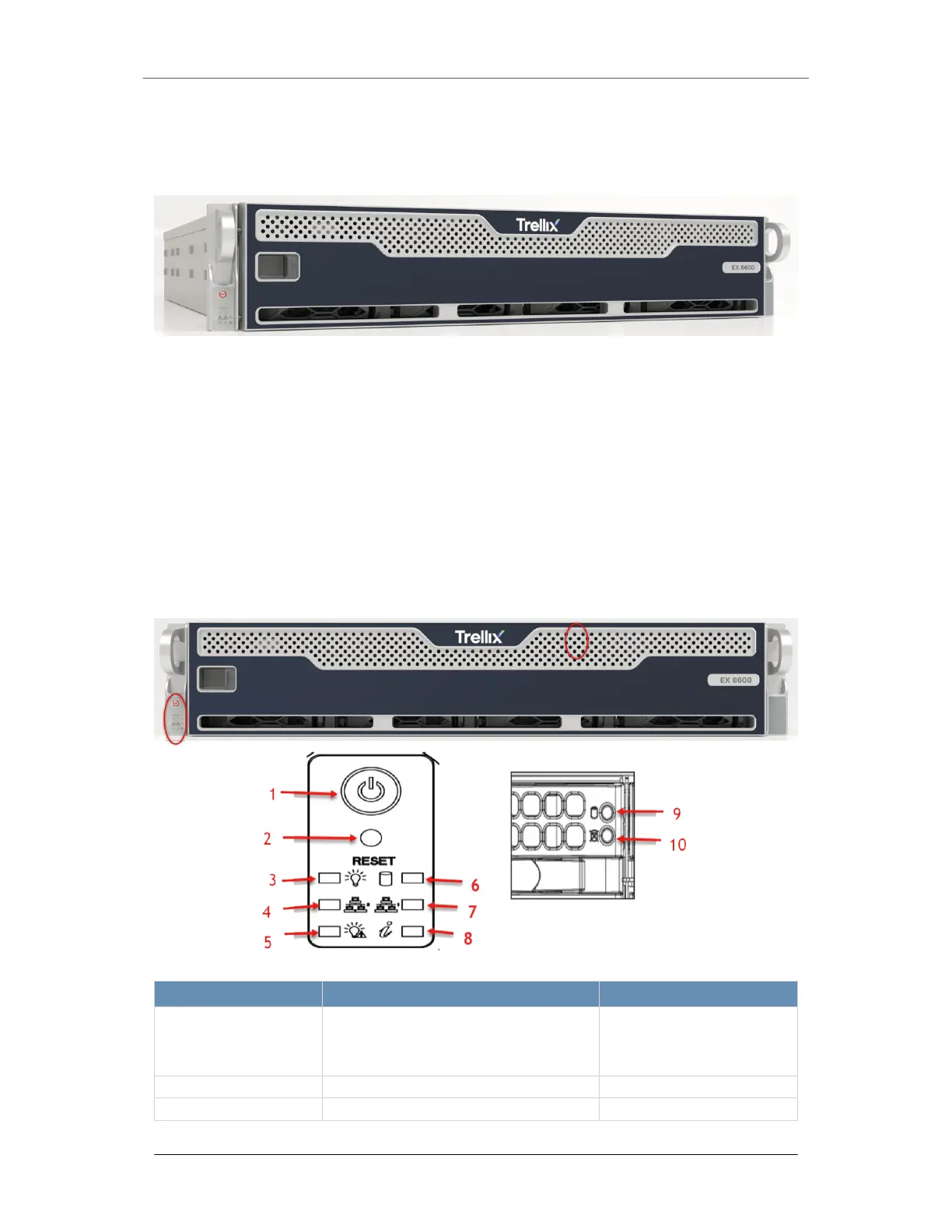
The EX 8600
The FireEye EX 8600 protects your network from spear phishing attacks that bypass
traditional anti-spam technologies. It analyzes every attachment using a signature-less, Multi-
Vector Virtual Execution engine that can identify zero-day attacks by detonating attachments
in an environment that mimics operating systems, applications, and browsers in their
exhaustive list of versions, configurations, and plug-ins.
The EX 8600 provides layers of dynamic malware analysis to protect your network from
malicious images, PDFs, and ZIP/RAR/TNEF archives.
The Front View
Button/ LED Name Description Status Indication
1. Power button The main power switch applies or removes
primary power from the power supply to the
server but maintains standby power. Unplug
the appliance before servicing.
2. Reset button Reboots the system.
3. Power LED Steady on Power on
EX Series The EX 8600
Page 4 © 2022 FireEye Security Holdings US LLC


 To Next Page