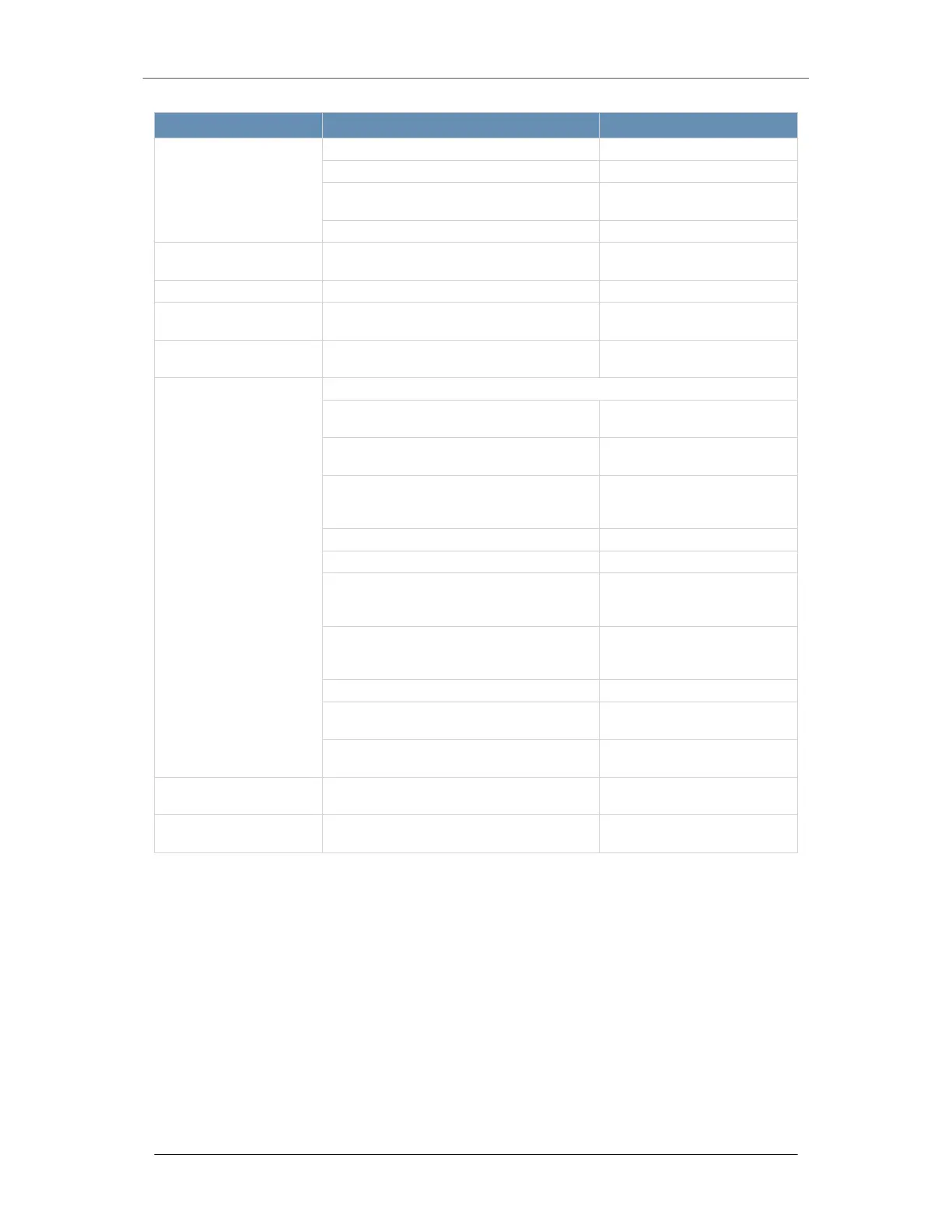
Button/ LED Name Description Status Indication
Blinking at 4 Hz Checking BIOS/BMC integrity
Blinking at 4Hz and "i" LED is blue BIOS firmware updating
Two blinks at 4 Hz, one pause 2 Hz and "i"
LED is blue
BMC firmware updating
Blinking at 1 Hz and "i" LED is red Fault detected
4. LAN 1 LED Indicates network activity on a LAN when
flashing.
5. Power Failure LED Indicates a power supply module has failed.
6. HDD Activity LED Indicates activity on the hard drive when
flashing.
7. LAN 2 LED Indicates network activity on a LAN when
flashing;
8. Information LED Alerts operator to several states:
Red, solid An overheat condition has oc-
curred
Red, blinking at 1 Hz A fan has failed, check for an
inoperative fan
Red, blinking at 0.25 Hz A power supply has failed,
check for a non-operational
power supply
Red, solid, with Power LED blinking green Fault detected
Blue and red, blinking at 10 Hz Recovery mode
Blue, solid UID has been activated local-
ly to locate the server in a
rack environment
Blue, blinking at 1 Hz UID has been activated using
the BMC to locate the server
in a rack environment
Blue, blinking at 2 Hz BMC is resetting
Blue, blinking at 4 Hz BMC is setting factory de-
faults
Blue, blinking at 10 Hz with Power LED
blinking green
BMC/BIOS firmware is updat-
ing
9. Drive Device LED Each drive carrier displays two status LEDs
on the front of the carrier.
10. Drive Device LED Each drive carrier displays two status LEDs
on the front of the carrier.
Drive Carrier LED Indicators
The chassis includes externally accessible SAS/SATA drives. Each drive carrier displays two
status LEDs on the front of the carrier.
• Green: When illuminated, this LED indicates drive activity. It blinks on and off when
the particular drive is being accessed This function is controlled by the backplane.
• Red: When illuminated, this LED indicates a drive failure. You should be notified by
your system management software.
EX Series The EX 8600
Page 5 © 2022 FireEye Security Holdings US LLC


 To Next Page