Need help?
Do you have a question about the TREND TB and is the answer not in the manual?
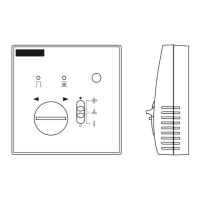
Details the physical dimensions of the TB/TS/K sensors, including height, width, and depth.
Specifies necessary conditions and environmental parameters for sensor installation.
Instructions on detaching the sensor's backplate for mounting purposes.
Guidance on securely attaching the backplate to BESA boxes or walls.
Steps for removing necessary cutouts from the sensor unit as required.
Procedure for properly routing electrical cables for sensor connection.
Detailed wiring instructions for connecting the sensor to IQ2, IQ3, and IQL controllers.
Steps for assembling the sensor unit after wiring and mounting.
Configuration guide for setting sensor types on IQ controllers using SET or manual tables.
Instructions for testing the sensor system after installation and setup.
 General
| Control Algorithm | PID, On/Off |
|---|---|
| Input Type | Thermocouple, RTD |
| Control Output | Relay, SSR |
| Display | LED |
| Power Supply | 100-240 VAC |
| Communication | RS485 |


 To Next Page