EasyManua.ls Logo

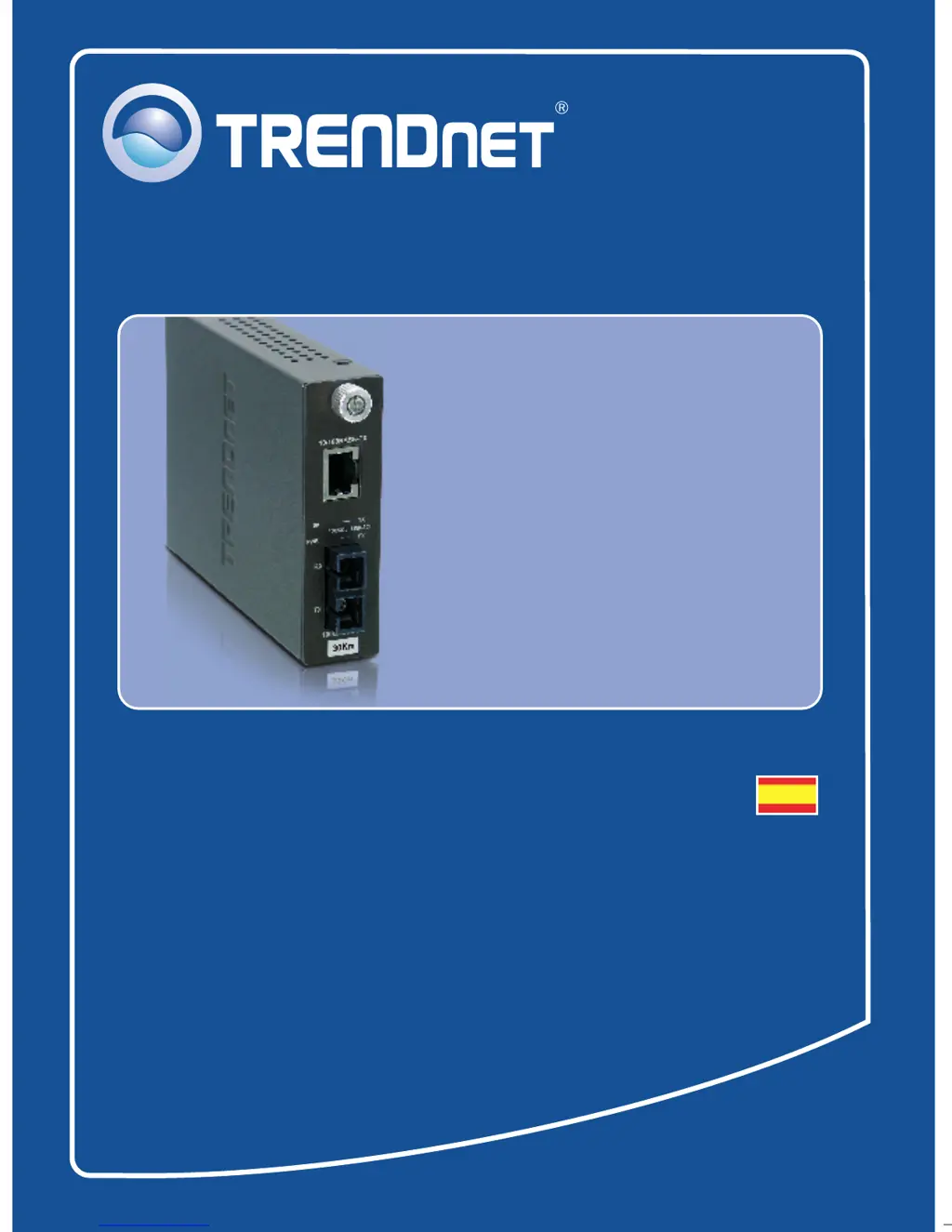
TRENDnet 100Base-FX - User Manual

TRENDnet 100Base-FX
12 pages
Go to English
Print Icon
To Next Page IconTo Next Page
Loading...
Quick Installation Guide
100Base-FX
Fiber Converters

Questions and Answers

  • T
    Thomas RobertsJul 27, 2025
    What to do if TRENDnet 100Base-FX LEDs are all on but there is no connection?
    • N
      Nicholas HurstJul 27, 2025
      If all the LEDs are illuminated on your TRENDnet Media Converter but you cannot establish a connection, first, ensure you're using the correct fiber cable for your converter type (multi-mode or single-mode). Second, check that the TX and RX cables are reversed on the opposite fiber connection. Finally, power cycle the fiber converters and switches by turning them off, waiting 15 seconds, and then plugging them back in.
  • B
    boothalexanderAug 11, 2025
    How to troubleshoot TRENDnet 100Base-FX Media Converter if LEDs do not turn on?
    • M
      Maria MooreAug 11, 2025
      If the LEDs on your TRENDnet Media Converter don't turn on after connecting it, first, check that the power outlet is working. Second, ensure the power adapter is securely connected to both the converter and the power outlet. Third, verify that both the Ethernet and fiber cables are properly connected.

Summary

Product Specifications

Product Ordering Information

Product Troubleshooting Guide

TRENDnet Limited Warranty

Product Certifications

Product Warranty Registration

TRENDnet 100Base-FX Specifications

General IconGeneral
Media TypeFiber
Connector TypeSC
Wavelength1310 nm
StandardsIEEE 802.3u
Distance2 km (multimode)
Ports1 x 10/100Base-TX, 1 x 100Base-FX SC
Fiber TypeMultimode
InterfaceRJ-45, SC
Storage Temperature-20°C to 70°C
Humidity5% to 95% non-condensing

Related product manuals