Español
2
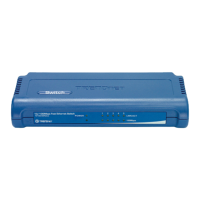
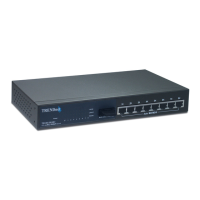
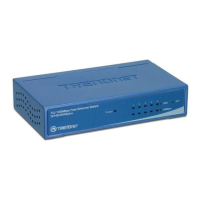
2. Instalación del Hardware
2. Conecte un cable de red RJ-45
CAT-5 del PC a un puerto Ethernet
disponible en el TE100-S55Eplus/
TE100-S88Eplus/TE100-S16Eplus.
1. Conecte el adaptador de
alimentación AC al
TE100-S55Eplus/TE100-S88Eplus/
TE100-S16Eplus y luego a una
toma de corriente.










 To Next Page