C. Initial Wireless Setup
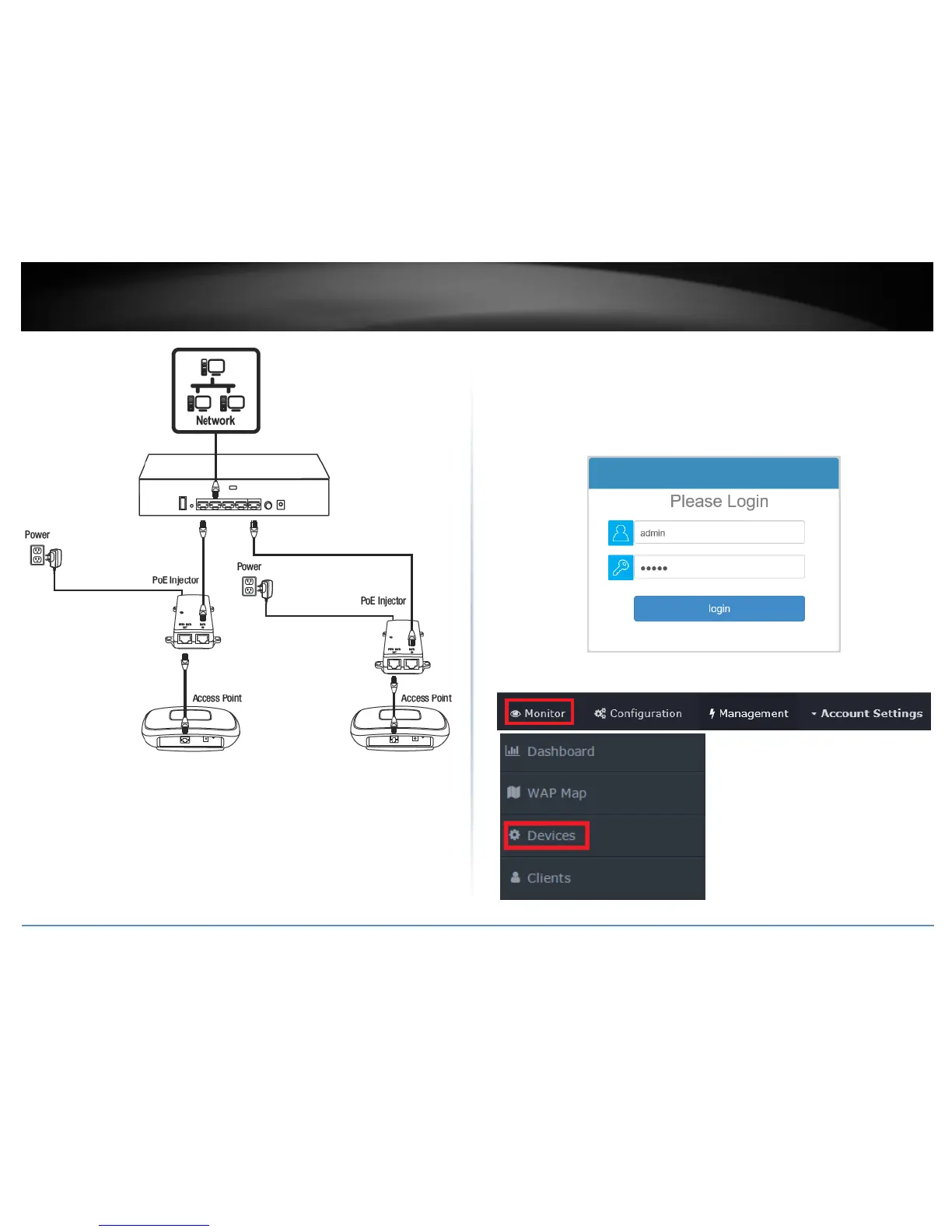
1. Using your computer and web browser, access the wireless controller management
page using the newly assigned IP address settings (configured in Section A) and login.
Note: If the IP address settings were not changed in Section A, the IP address settings for
the controller are 192.168.10.200 / 255.255.255.0.
2. Click Monitor and click Devices.



 To Next Page
 Loading...










