How to Unplug the Device Under Windows 2000
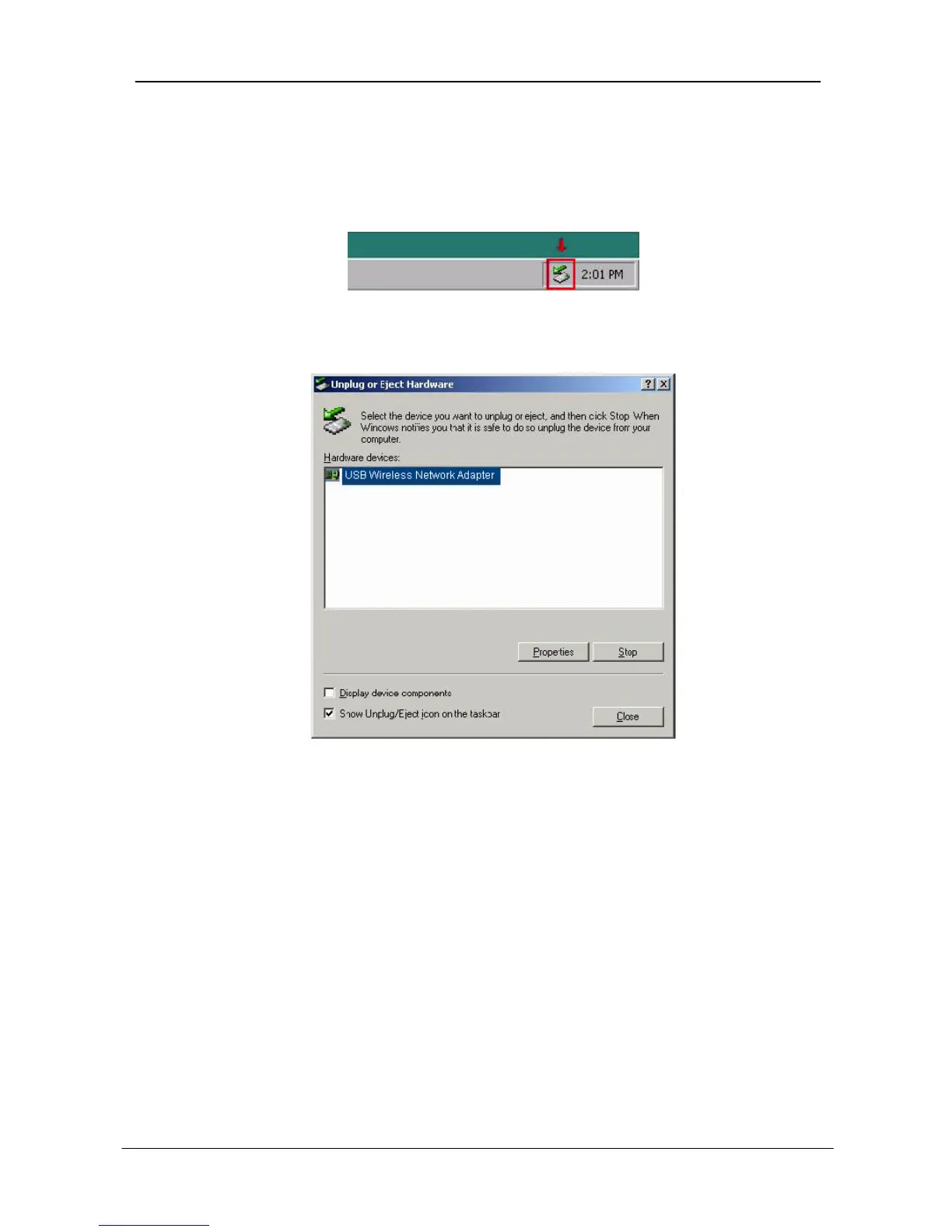
After the successful installation of the Adapter, you will see an icon
corresponding to the device in the Windows taskbar for as long as the device is
connected to the PC.
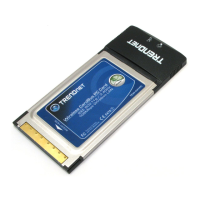
If you want to unplug the device, double click on this icon. The dialog of Unplug
or Eject Hardware will appear.
Select USB Wireless Network Adapter and press “Stop”. Now it is safe to
unplug the device from the PC.
In case you unplug the device without having followed the above procedure, the
dialog Unsafe Removal of Device will appear reminding you the problems this
action may have caused. Press “ OK”. It is recommended not to unplug the
device unless you have followed first the above procedure to stop the Adapter.


 To Next Page