Chapter 2 - Hardware Installation
This chapter covers connecting your USB Wireless Network Adapter to USB
port of desktop / notebook PC.
Package Contents
Please make sure that items below are included on package.
ü One USB Wireless Network Adapter
ü One USB cables
ü One Driver / Utility CD-ROM (this use’ s manual included)
ü One Quick Installation Guide
System Requirements for the Adapter
Ø Operating System: MS Windows 98, Windows 2000, Windows ME
Ø Desktop PC or notebook PC with CD-ROM drive
Ø One free USB port
Ø Pentium-Class 90MHz or higher
Connecting the USB Adapter
NOTE: These instructions apply to most desktop/notebook computers. For
detailed information on inserting USB adapters into your desktop/notebook PC,
consult the desktop/notebook PC User’ s Manual.
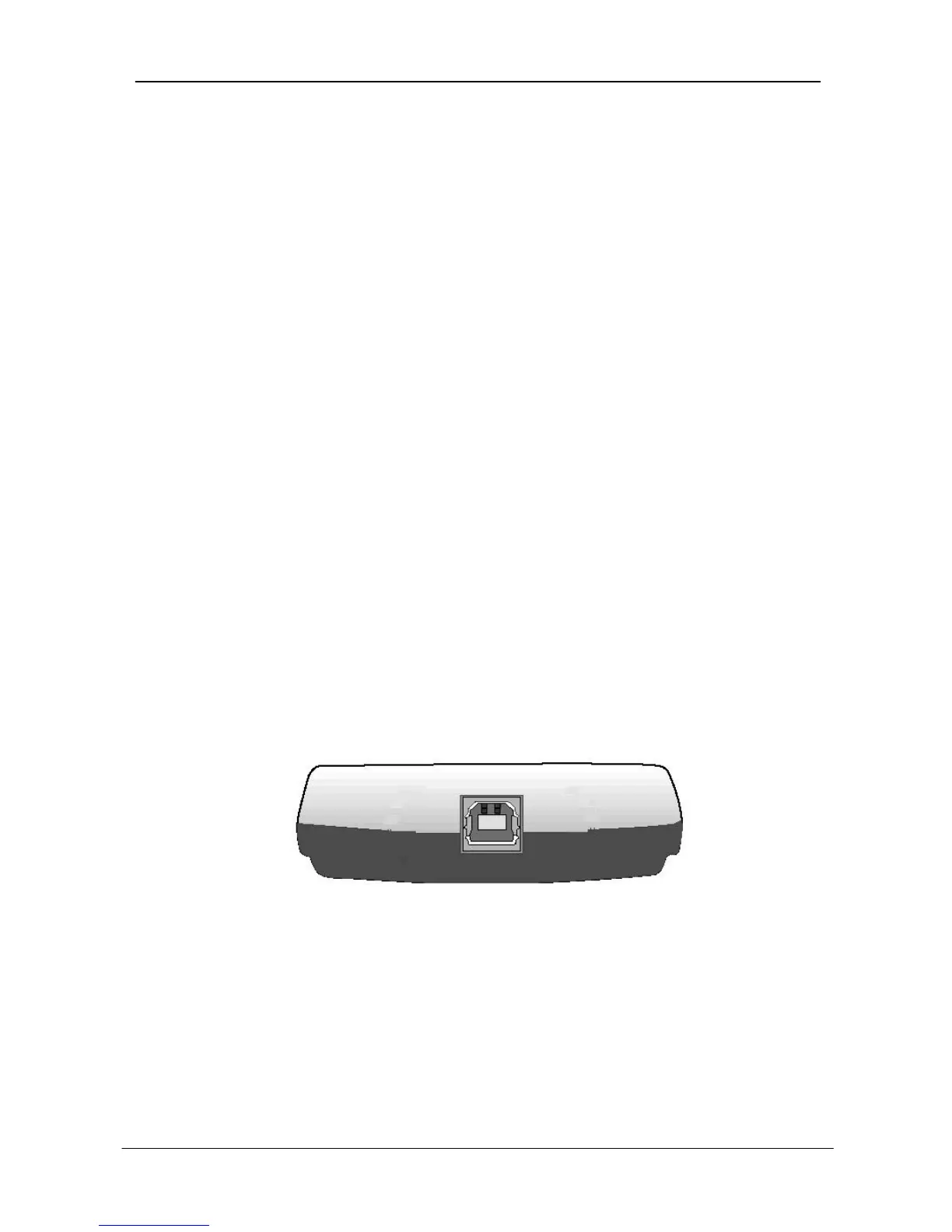
The Adapter’ s USB port is located on the back of the Adapter.
And your Adapter comes with a USB cable that has two different types of
connectors – type A & type B. Type A connector of the USB cable plugs into
your notebook/desktop PC’ s USB port. And type B connector of the USB cable
connects to the USB port of your USB Wireless Network Adapter.


 To Next Page