Applying Power
1. Connect the power supply (sold separately) to the included terminal
block (as shown below) and secure with the screws.
Note: Polarities must match.
2. Attach the terminal block to the unit.
3
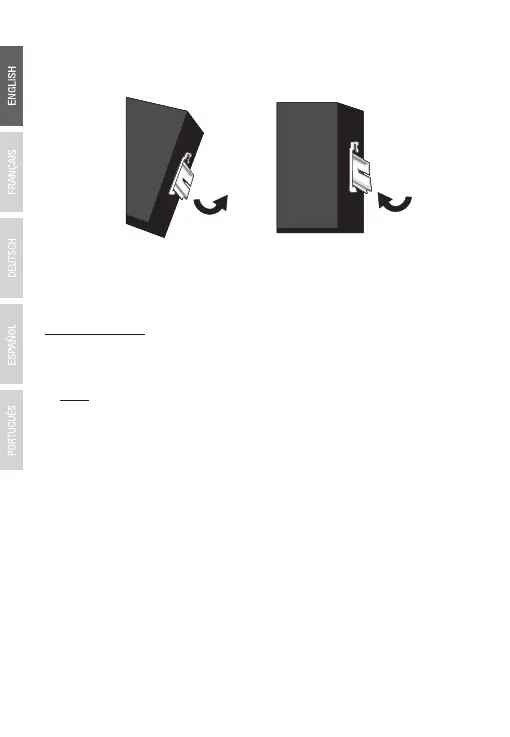
3. Rotate the TI-PG541i downward towards the rail to lock it into
place. You will know it is secure when you hear the click.
4. To remove the unit, pull down to clear the bottom of the DIN-Rail
and rotate away from the rail.
Mounting the unit Releasing the unit



 To Next Page
 Loading...










