For Mac User
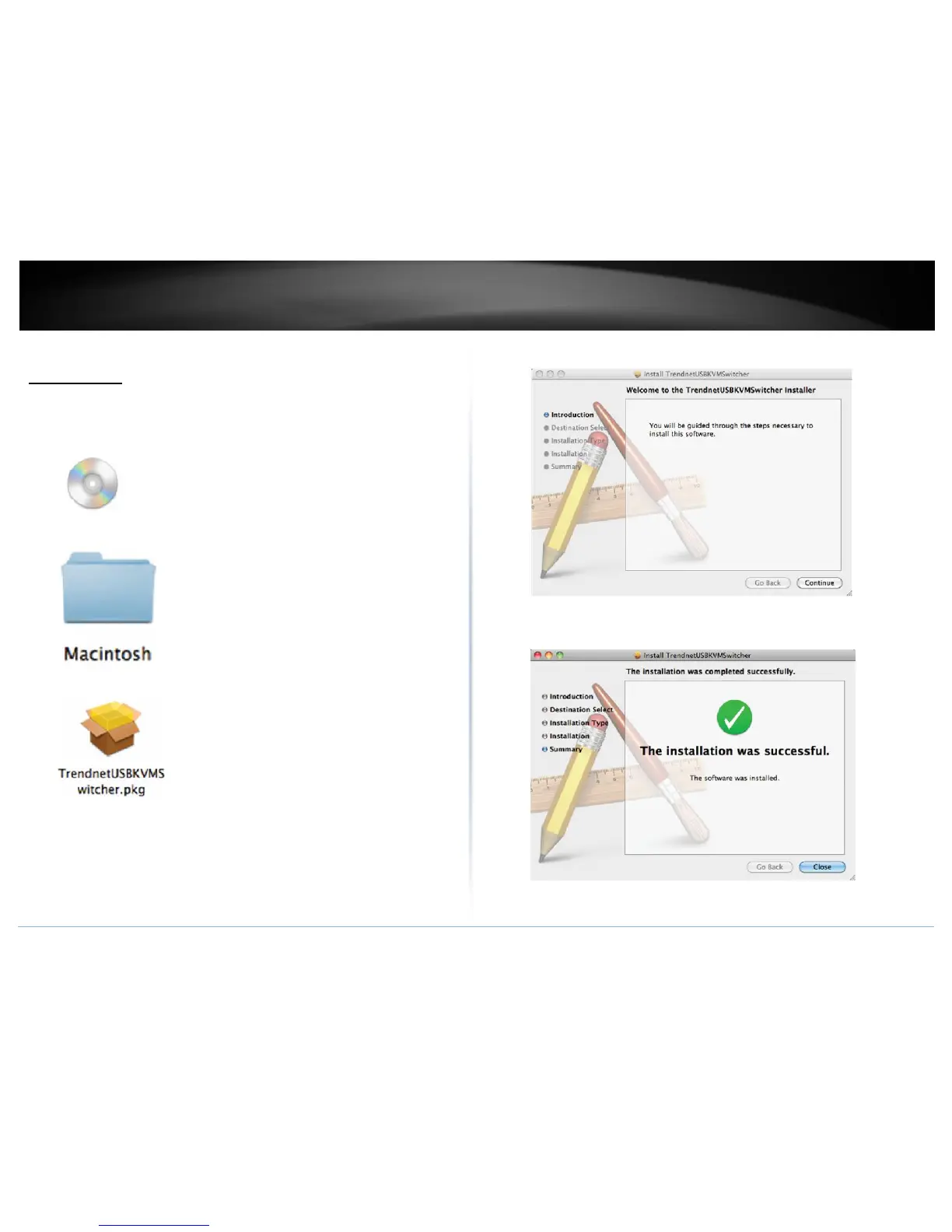
1. Insert the Installation CD-ROM into your computer’s CD-ROM drive.
2. Double-click TK-215i CD-ROM icon on the desktop
3. Double-click on the Macintosh folder
4. Select the TrendnetUSBKVMSwitcher.pkg.
5. Click Continue, then following the instruction.
6. Click Close to finish the installation



 To Next Page