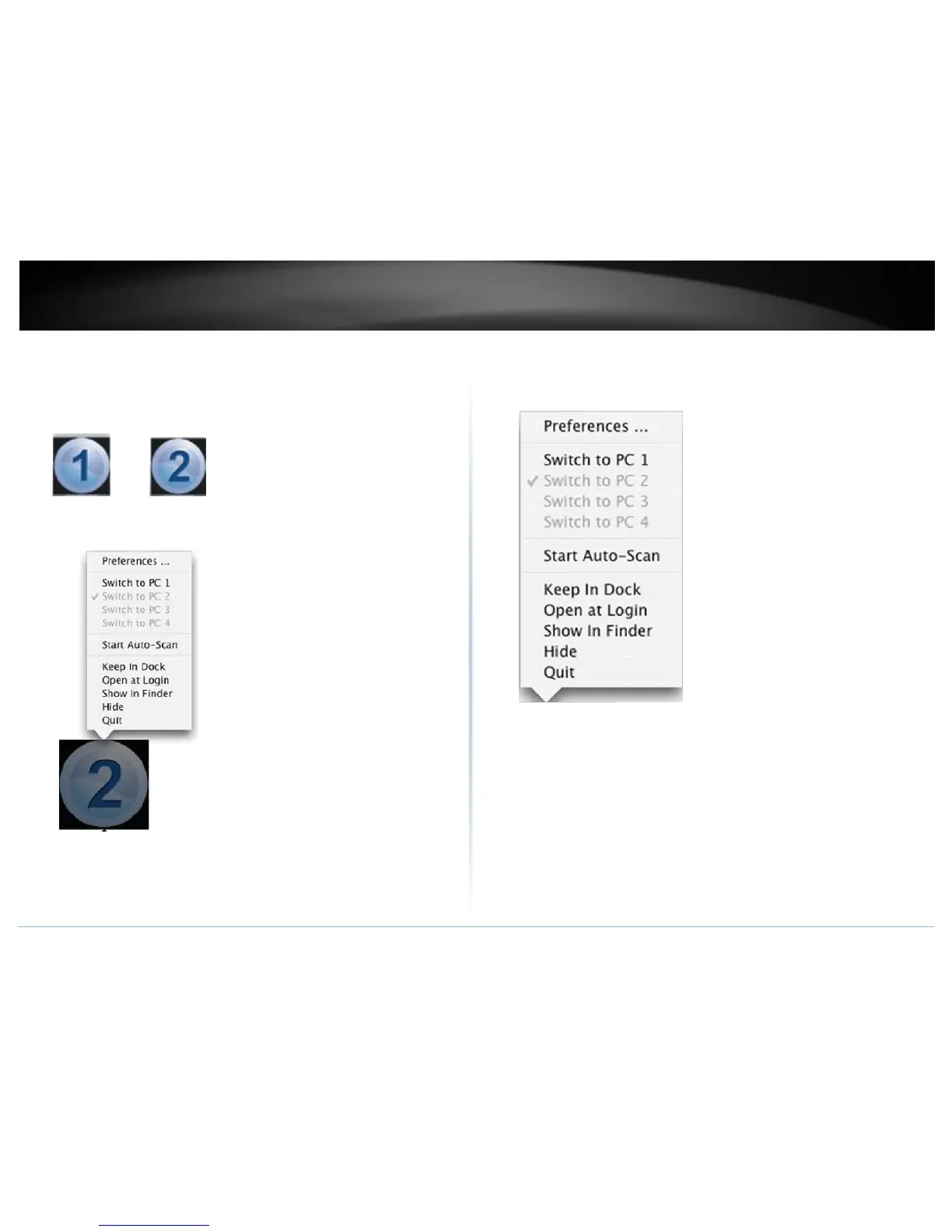
14. Right click on the KVM Switcher Software icon in the dock. If your computer is
connected to computer 1 port, the dock will show an icon with the number 1.
If your computer is connected to computer 2, the dock will show an icon with
the number 2.
15. Select the computer that you would like to switch to.
16. Select the Start Auto-Scan to start auto-scan. Click the Stop Auto-Scan to stop
the auto-scan.



 To Next Page