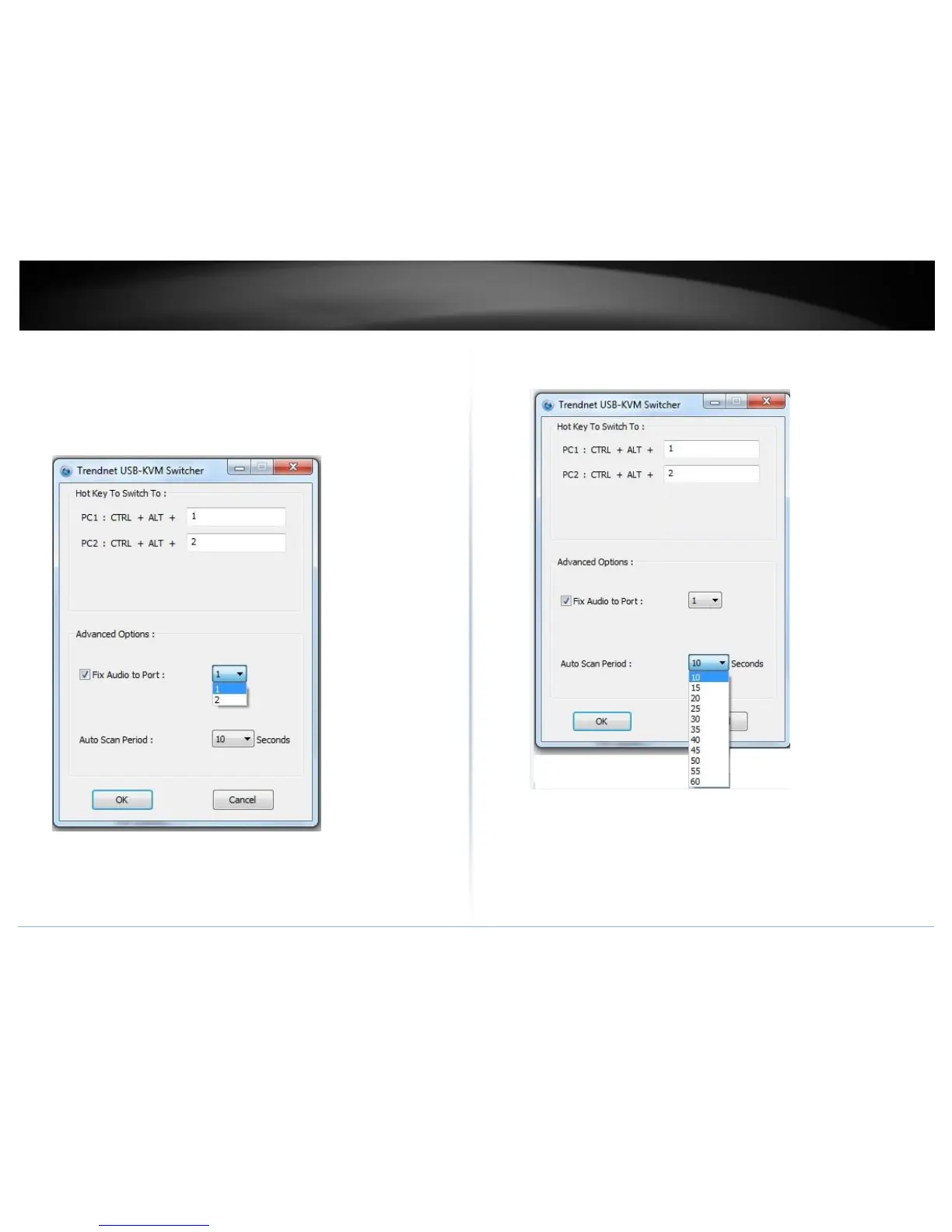
6. Click on the check box of the Fix Audio to Port and then select the desire
computer to fix the speaker/microphone channel for the selected computer.
Once this option is checked, the speaker/microphone channel will be fixed and
become non-selectable. Note: Fixed Audio port features only supports for
analog audio. The HDMI audio always stay with the current computer.
7. Select a desired Auto Scan period. The period is the waiting time that your KVM
Switch will switch to next computer.
8. Click OK to save the changes.



 To Next Page