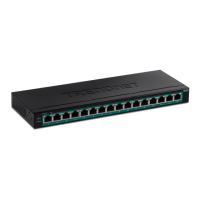
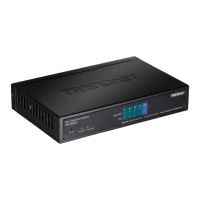
2
3. Installation du matériel
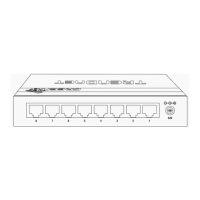
1. Plug the power cord into the Power Adapter. Connect the Power Adapter to the TPE-TG80g and then to
a power outlet.
2. Connect an RJ-45 network cable from a computer to an available network port on the TPE-TG80g.
3. Connect an RJ-45 cable from a port (1~8) on the TPE-TG80g to the Network port of the PoE device (e.g.
TV-IP343PI).
4. Verify the following LEDs are on: Power, PoE Status and Link / ACT.
Note: The maximum amount of power available is 30 Watts per port and 123 Watts total. If a power
overload has occurred, the Switch will prioritize the distribution of power by port (from lowest to highest).
That is, port 1 will receive the highest priority and port 8 will receive the lowest priority. The ports with lower
priority will have its PoE function disabled until more than 7.5 watts of power becomes available.
1
2
3


 To Next Page
 Loading...