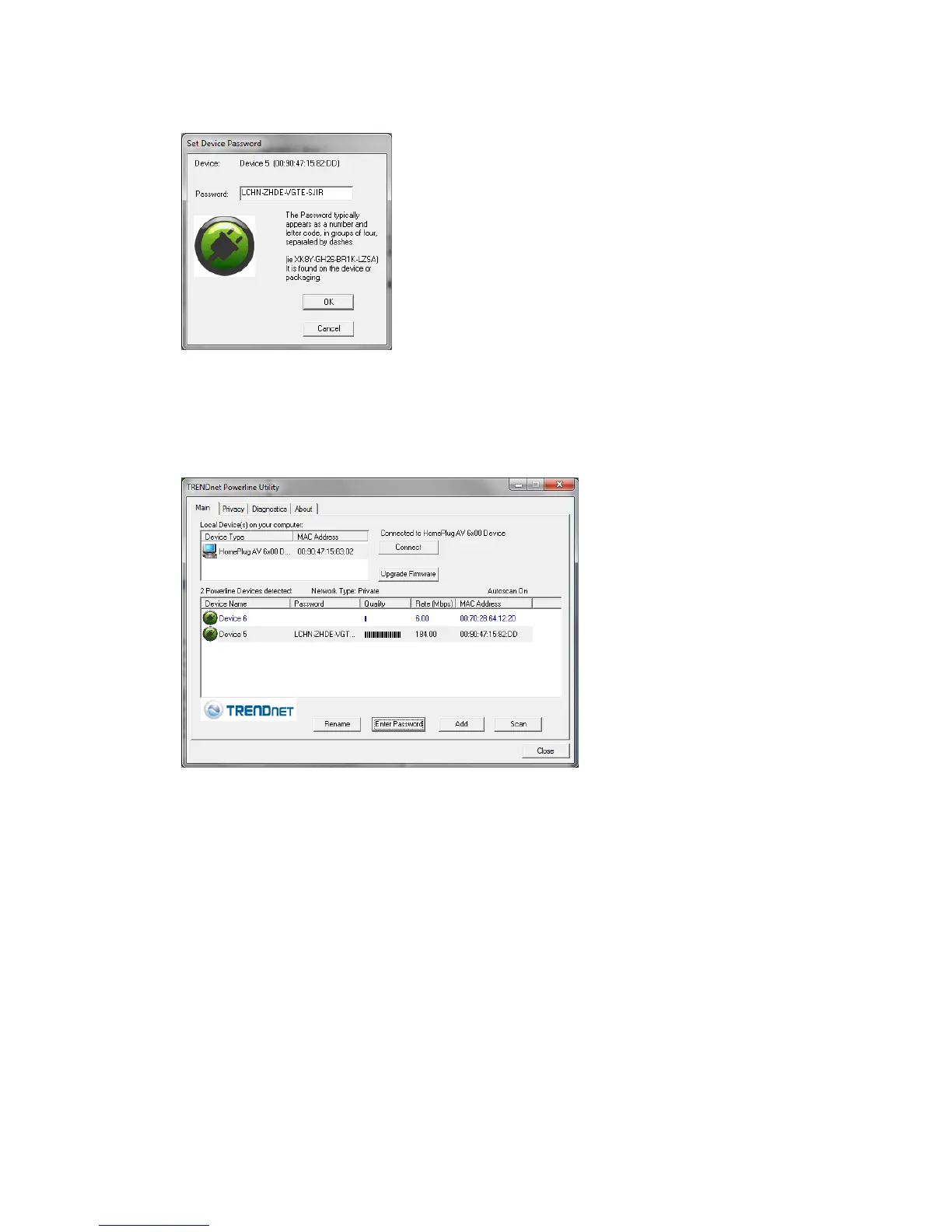
3. Type in the Device Password according to the corresponding MAC address.
Then click OK.
4. If successful, the Remote Device will have the Device Password listed next to
the device under Password.
Note: If the incorrect Device Password is entered, you will receive an error message. Click
Enter Password and try entering the password again.
5. Repeat steps 1-4 for any remaining Remote Devices.
6. Once all of the Device Passwords (DPW) are entered into the utility, changes
can be applied to the Remote Devices using the utility.












 To Next Page