- 1 -
PREFACE
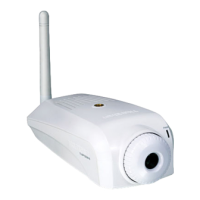
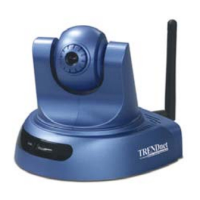
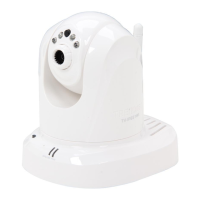
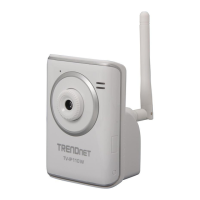
Thank you for purchasing the TV-IP110/TV-IP110W Wire/Wireless
Internet Camera Server, a powerful and high-quality image network camera.
The camera can be installed as a standalone system within your application
environment easily and quickly, and supports remote management function
so that you can access and control it using a Web browser on your PC.
This guide will provide you more information of instruction and
illustrations on how to use your camera, which includes:
Chapter 1 Introduction to Your Camera describes the features of the
camera. You will also know the components and functions of
the camera.
Chapter 2 Hardware Installation helps you install the camera according
to your application environment. You can use this camera at
home, at work, at any where you want.
Chapter 3 Accessing the Camera lets you start using your camera
without problem. The camera can be set up easily and work
within your network environment instantly.
Chapter 4 Configuring the Camera guides you through the
configuration of the camera using the web browser on your PC.
Chapter 5 Using SecurView™ shows you the detail instructions on
operating SecurView™ software.
Chapter 6 Appendix provides the specification of the camera and some
useful information for using your camera.
NOTE The illustrations and configuration values in this guide are for
reference only. The actual settings depend on your practical
application of the camera.








 To Next Page