- 7 -
- Power LED: A steady orange light indicates the camera is
powered on.
- Link LED: A flash green light indicates the camera’s network
connection correctly.
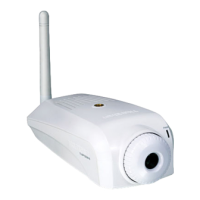
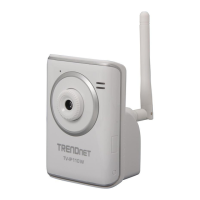
- Detachable Antenna (TV-IP110W only):
The detachable external antenna allows you to adjust its position to
obtain the maximum signal.
- Camera Stand Connection: Connects the camera with the camera
stand.
- Power Connector: Connects the AC power adapter to supply
power to the camera.
- LAN Port: It is used to connect the network RJ-45 cable, which
supports the NWay protocol so that the camera can detect the
network speed automatically.
- Reset Button: Reset will be initiated when the reset button is
pressed once. The power LED begins to flash.
Factory Reset will be initiated when the reset button is pressed continuously
for three seconds or when Power LED begins to light up. Release the reset
button and the Power LED will begin to flash.








 To Next Page