EasyManua.ls Logo

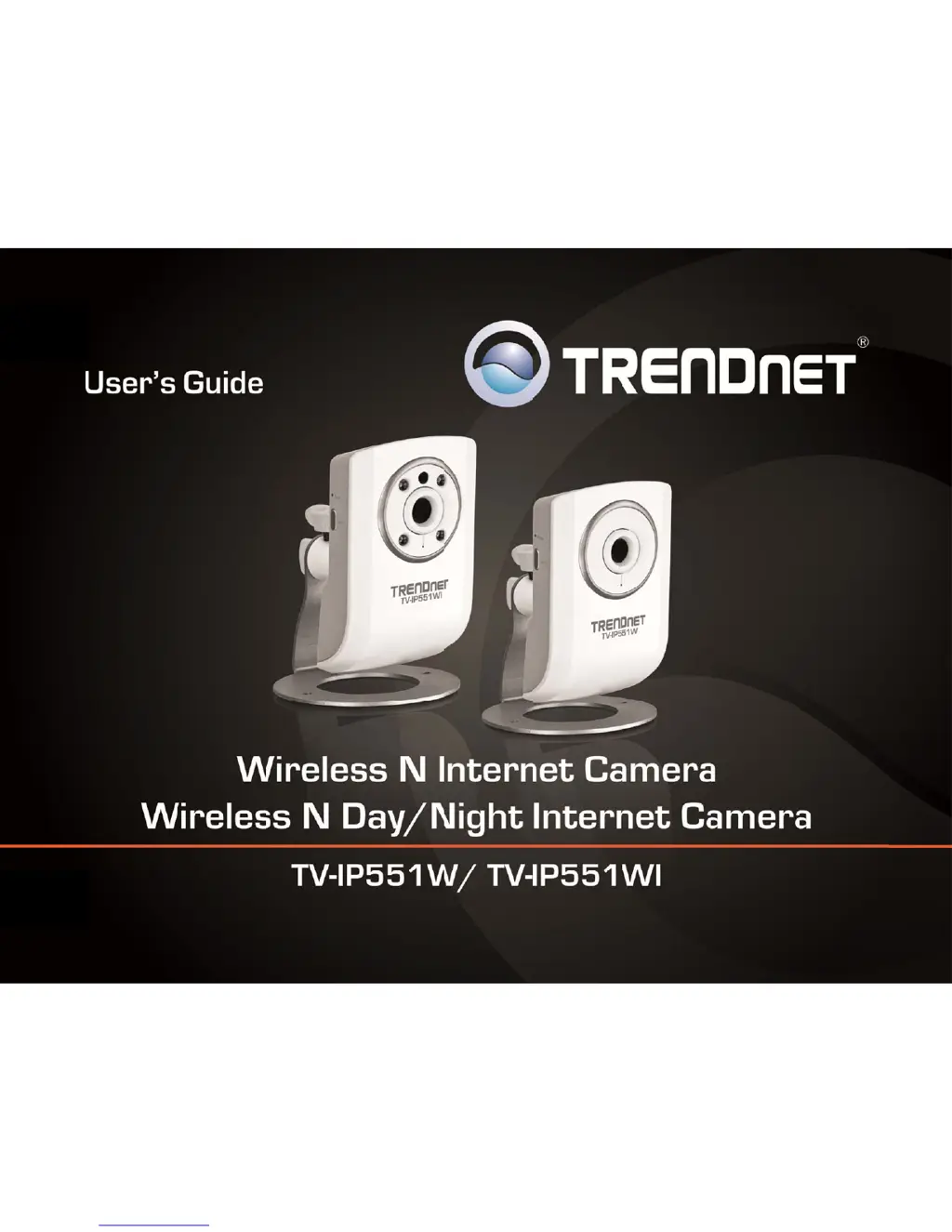
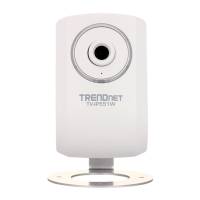
TRENDnet TV-IP551W - User Manual

TRENDnet TV-IP551W
35 pages
Print Icon
To Next Page IconTo Next Page
Loading...
TREND
n
n
etUser’sG
u
u
ide

Cover
P
P
age

Other manuals for TRENDnet TV-IP551W

Questions and Answers

  • A
    Andrew JohnsonAug 7, 2025
    Why can I access my TRENDnet Security Camera locally but not remotely?
    • K
      Krista AdamsAug 7, 2025
      This issue with your TRENDnet Security Camera might be due to a firewall blocking the connection. Consult your system administrator to check the Internet firewall settings. Also, verify that your router settings allow the TRENDnet Security Camera to be accessed outside of your local LAN.
  • C
    Cassandra HowardAug 11, 2025
    How to fix slow access to my TRENDnet TV-IP551W Security Camera?
    • T
      Thomas GreenAug 11, 2025
      If you are experiencing slow or no access to your TRENDnet Security Camera, the problem might be with the network cable. Ping the address of a known device on the network to confirm that the cables are working correctly. Another possible cause may be that the network device (hub or switch) utilized by the TRENDnet Security Camera is not functioning properly. Please confirm the power for the devices are well connected and functioning properly.
  • K
    katherine58Aug 15, 2025
    How to improve the image quality on my TRENDnet TV-IP551W Security Camera?
    • E
      Elizabeth SolisAug 15, 2025
      If the images from your TRENDnet Security Camera appear to be of poor quality, first ensure that your computer’s display properties are set to at least 16-bit color. Try adjusting the brightness, contrast, saturation, light frequency and antiflicker controls on the Video Settings under the Configuration menu. You may also consider adjusting the resolution of the camera and the compression rate to improve the image.
  • J
    Jessica ThompsonAug 19, 2025
    What to do if the LEDs on my TRENDnet Security Camera don't light up?
    • M
      Mariah NealAug 20, 2025
      If the Power LED and Ethernet Activity LED on your TRENDnet Security Camera do not light up, check that the connection to both the power source and the terminal on the back of the camera are secure and that you are using the provided power supply. If the camera is otherwise functioning correctly, the LEDs might have been disabled in the configuration.
  • D
    Douglas RobinsonAug 25, 2025
    Why can't I view video from my TRENDnet TV-IP551W Security Camera in my web browser?
    • N
      nryanAug 25, 2025
      If video from your TRENDnet Security Camera can’t be viewed through the web browser interface, and you are viewing the images from Internet Explorer make sure ActiveX has been enabled in the Internet Options menu. If you are using Internet Explorer with a version number lower than 6, then you will need to upgrade your Web browser software. Try also viewing the video using Java. Ensure that you have the latest version of Java installed before you do.
  • T
    Tracy BonillaAug 28, 2025
    Why are my TRENDnet Security Camera images 'noisy'?
    • M
      Micheal ClementsAug 28, 2025
      If the images from your TRENDnet Security Camera appear 'noisy', especially in low-light conditions, try enabling Night mode to see if that improves the image quality. Otherwise, try to use the camera in a location where there is a bit more light.
  • M
    Meredith ValenzuelaSep 2, 2025
    Why does my TRENDnet Security Camera have white vertical lines on the image?
    • K
      Katherine HancockSep 2, 2025
      If white vertical lines appear on the image from your TRENDnet Security Camera, it could be that the CMOS sensor has become overloaded when it has been exposed to bright lights such as direct exposure to sunlight or halogen lights. Reposition the Network Camera into a more shaded area immediately as prolonged exposure to bright lights will damage the CMOS sensor.

TRENDnet TV-IP551W Specifications

General IconGeneral
BrandTRENDnet
ModelTV-IP551W
CategorySecurity Camera
LanguageEnglish

Related product manuals