EasyManua.ls Logo

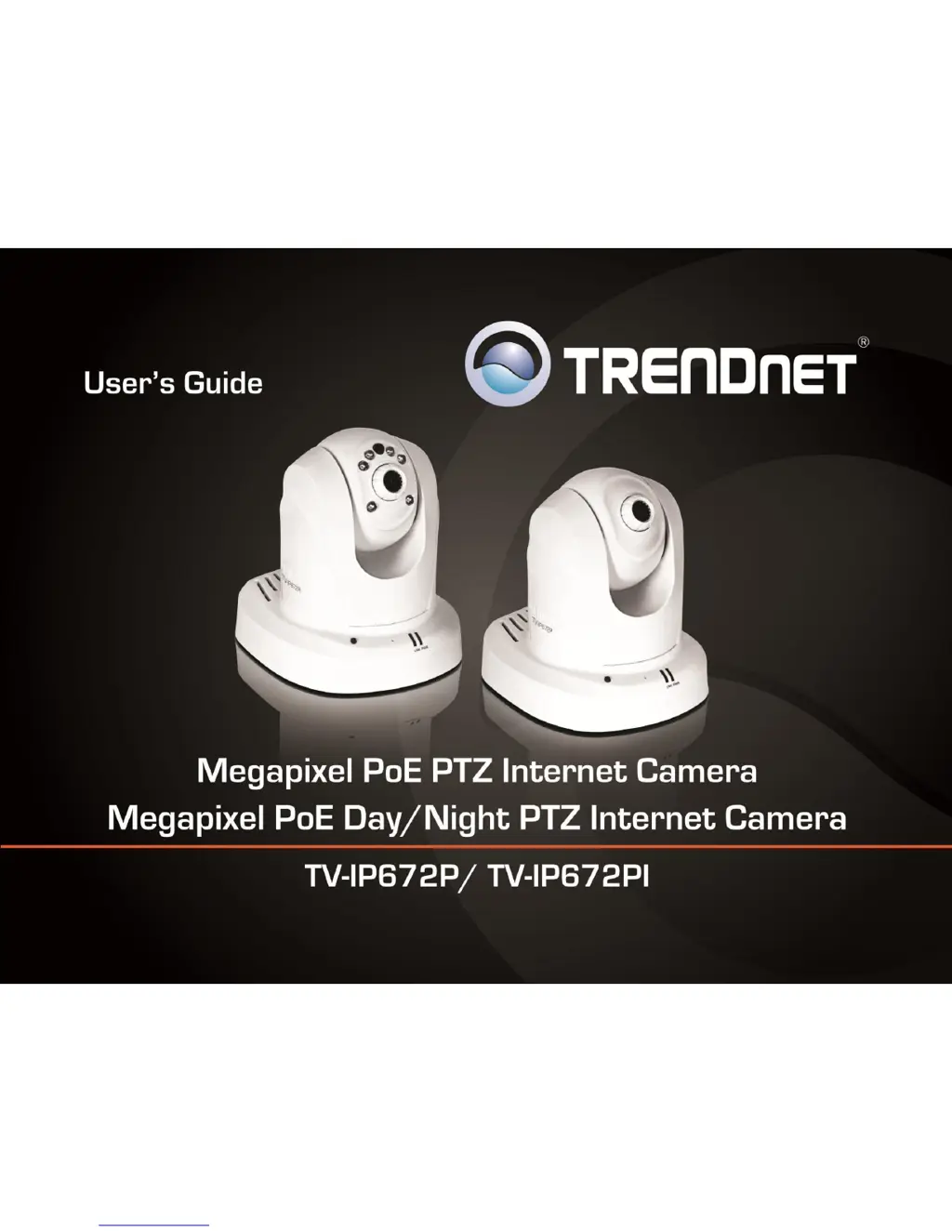
TRENDnet TV-IP672P - User Manual

TRENDnet TV-IP672P
39 pages
Print Icon
To Next Page IconTo Next Page
Loading...
TRENDnet Users Guide
Cover Page

Other manuals for TRENDnet TV-IP672P

Questions and Answers

  • P
    Phillip HinesAug 9, 2025
    How to improve poor quality images from TRENDnet TV-IP672P?
    • R
      Ronald HaynesAug 9, 2025
      If the images from your TRENDnet IP Camera are of poor quality, ensure that your computer’s display properties are set to at least 16-bit color. Try also adjusting the brightness, contrast, saturation, light frequency, and antiflicker controls on the Video Settings under the Configuration menu. You may also consider adjusting the resolution of the camera and the compression rate to improve the image.
  • M
    mario87Aug 14, 2025
    Why TRENDnet TV-IP672P can’t be accessed or access is slow?
    • B
      Brandon WarnerAug 14, 2025
      If your TRENDnet IP Camera can’t be accessed or access is slow, there might be a problem with the network cable. To confirm that the cables are working, ping the address of a known device on the network. Another possible problem may be that the network device such as a hub or switch utilized by the Network Camera is not functioning properly, so confirm the power for the devices are well connected and functioning properly.
  • K
    Keith ConleyAug 19, 2025
    Why are there white vertical lines on my TRENDnet IP Camera image?
    • D
      David ChaseAug 19, 2025
      If white vertical lines appear on the image from your TRENDnet IP Camera, it's likely that the CMOS sensor has been overloaded by bright lights, such as direct sunlight or halogen lights. Immediately reposition the camera into a more shaded area, as prolonged exposure to bright lights will damage the CMOS sensor.
  • J
    Jonathan MurphyAug 25, 2025
    TRENDnet TV-IP672P can be accessed locally but not remotely, what to do?
    • E
      Erin HawkinsAug 25, 2025
      If you can access your TRENDnet IP Camera locally but not remotely, the issue might be due to a firewall. Check the Internet firewall settings with your system administrator. Also, verify that the configuration of your router settings allows the TRENDnet IP Camera to be accessed outside your local LAN.
  • P
    Paula HuntAug 29, 2025
    Why TRENDnet IP Camera images are ‘noisy’?
    • P
      Patrick ReedAug 29, 2025
      If the images from your TRENDnet IP Camera appear 'noisy,' especially in a low-light environment, try enabling Night mode to see if that improves the image quality. Alternatively, try using the camera in a location with more light.
  • E
    Elizabeth BrewerSep 3, 2025
    What to do if TRENDnet IP Camera Power LED and Ethernet Activity LED do not light up?
    • L
      Laurie DennisSep 3, 2025
      If the Power LED and Ethernet Activity LED on your TRENDnet IP Camera do not light up, check that the connection to both the power source and the terminal on the back of the camera are secure and that you are using the provided power supply. If the camera is otherwise functioning correctly, the LEDs might have been disabled in the configuration.

TRENDnet TV-IP672P Specifications

General IconGeneral
Sensor1/4" CMOS
Video CompressionH.264, MJPEG
WirelessNo
Frame Rate30 fps
Humidity20% to 80% (non-condensing)
Day/NightYes
Lens3.6mm
Night VisionYes
Power over Ethernet (PoE)Yes
AudioTwo-way audio
Operating Temperature-10°C to 50°C (14°F to 122°F)
Network ProtocolsTCP/IP, HTTP, SMTP, FTP, DHCP, UPnP
Interface10/100 Mbps Ethernet
Power12V DC / PoE
Minimum Illumination0 Lux

Related product manuals