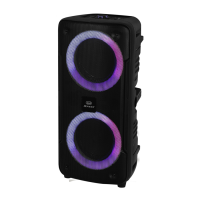
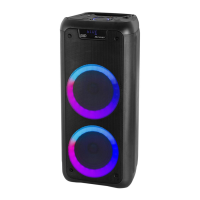
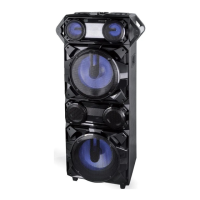
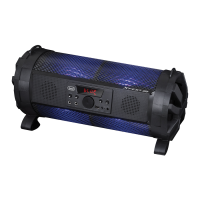
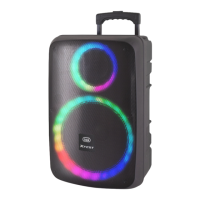
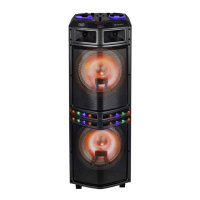
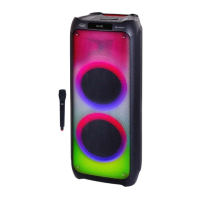
XR 8A01
English
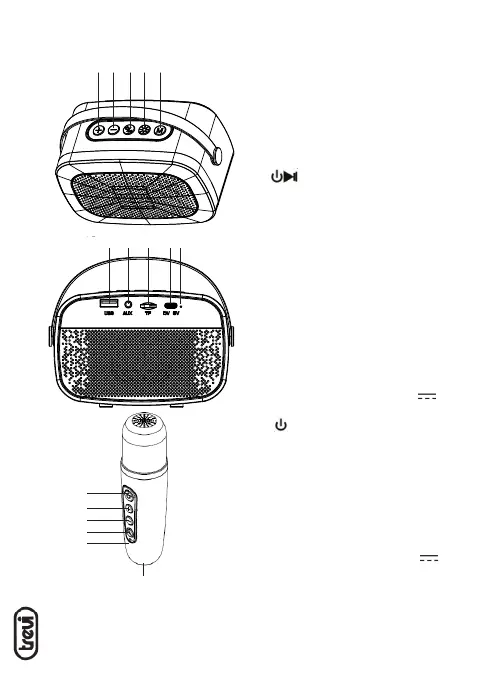
CONTROLS
1. + button:
- click: Volume Up
- Long press: next song
2. - button:
- click: Volume Down
- Long press: previous song
3. button:
- click: Play/Pausa
- Long press: switch On and Off
- Long press 8 second: Reset
4. Lighting button:
- click: switch to LED magic light mode
- Long press: Turn the light On/Off
5. Tasto M:
- click: function selection
- Long press: In Bluetooth mode, eliminates
the voice cancel. Under TF card and USB
mode single loop/sequential play
6. USB input
7. AUX input
8. TF card input
9. TYPE-C input for charging 5V
10. Charging indicator
11. button:
- click: Volume control/Reverb control
- Long press: Power On/power Off
12. + button; volume up/reverb up
13. - button; volume down/ reverb down
14. Microphone button:
- Click: magic voice
- Long press: eliminates the original sound
15. Charging indicator
16. TYPE-C input for charging 5V
1 32 4 5
6 7 8 910
11
12
13
14
16
15



 To Next Page