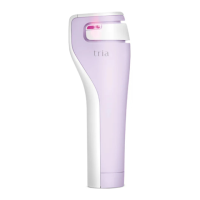
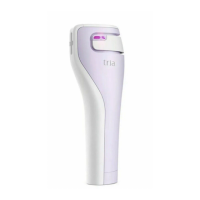
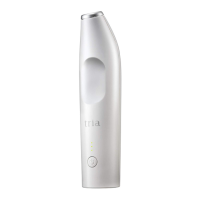
getting to know your TRIA Laser
Battery Indicator
Lock
Treatment Level
Choose from levels 1-5, to get a
custom treatment and best results
Skin Sensor Indicator
When this light turns on, the TRIA
Laser is ready to use
Power Button
Adjusts the treatment setting and
turns the TRIA Laser on and o
Treatment Window
Delivers laser light during treatments
Charger Socket
Plug the battery charger into this socket
Skin Sensor
Safety feature located inside the base
of the TRIA Laser
Display Window


 To Next Page