triabeauty.com 32
WHAT’S INCLUDED:
IMPORTANT FEATURES:
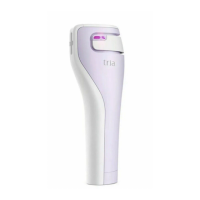
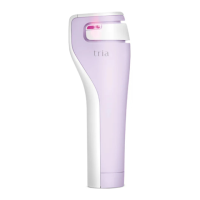
• TRIA AGE-DEFYING LASER
• CHARGING CRADLE
• POWER SUPPLY AND CORD
• INSTRUCTIONS FOR USE
• QUICK START GUIDE
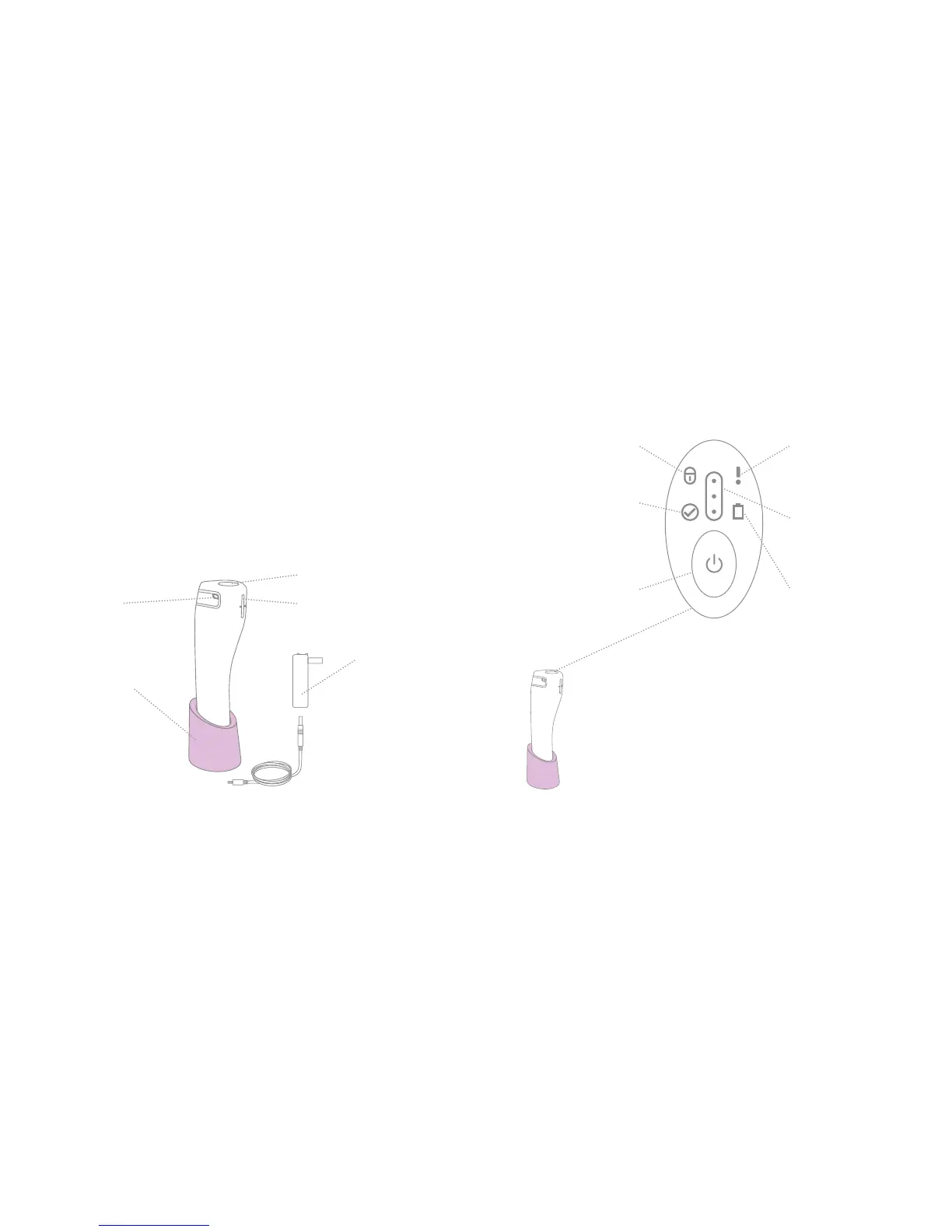
GETTING TO KNOW YOUR TRIA
AGE-DEFYING LASER
CHARGING CRADLE
Holds and charges
the device.
CONTACT LIGHT
Glows purple when
gliding & making
skin contact.
DISPLAY
LASER TREATMENT TIP
Emits laser light
during treatment.
TRIA AGE-DEFYING LASER
POWER SUPPLY
AND CORD
Connects the
charging cradle to
a power outlet.
DEVICE LOCK INDICATOR
Lights if the device is locked.
TREATMENT
COMPLETION INDICATOR
Lights when treatment
is complete.
POWER BUTTON
Turns the device on/off and
adjusts the treatment level.
DEVICE FAULT
INDICATOR
Lights if there is a device
fault/error.
TREATMENT LEVEL
INDICATOR
Shows the selected
treatment level.
BATTERY INDICATOR
Lights when battery is low,
flashes when charging.
DISPLAY
LOCK FEATURE
When the device is locked it will not power on. The blue padlock
icon will light when you press the power button.
To lock the device: First, turn on your Tria Age-Defying Laser.
Then press the power button for several seconds until the padlock
icon illuminates on the display.
To unlock the device: Press and hold the power button until you
hear four beeps. Then release your finger from the power button.



 To Next Page