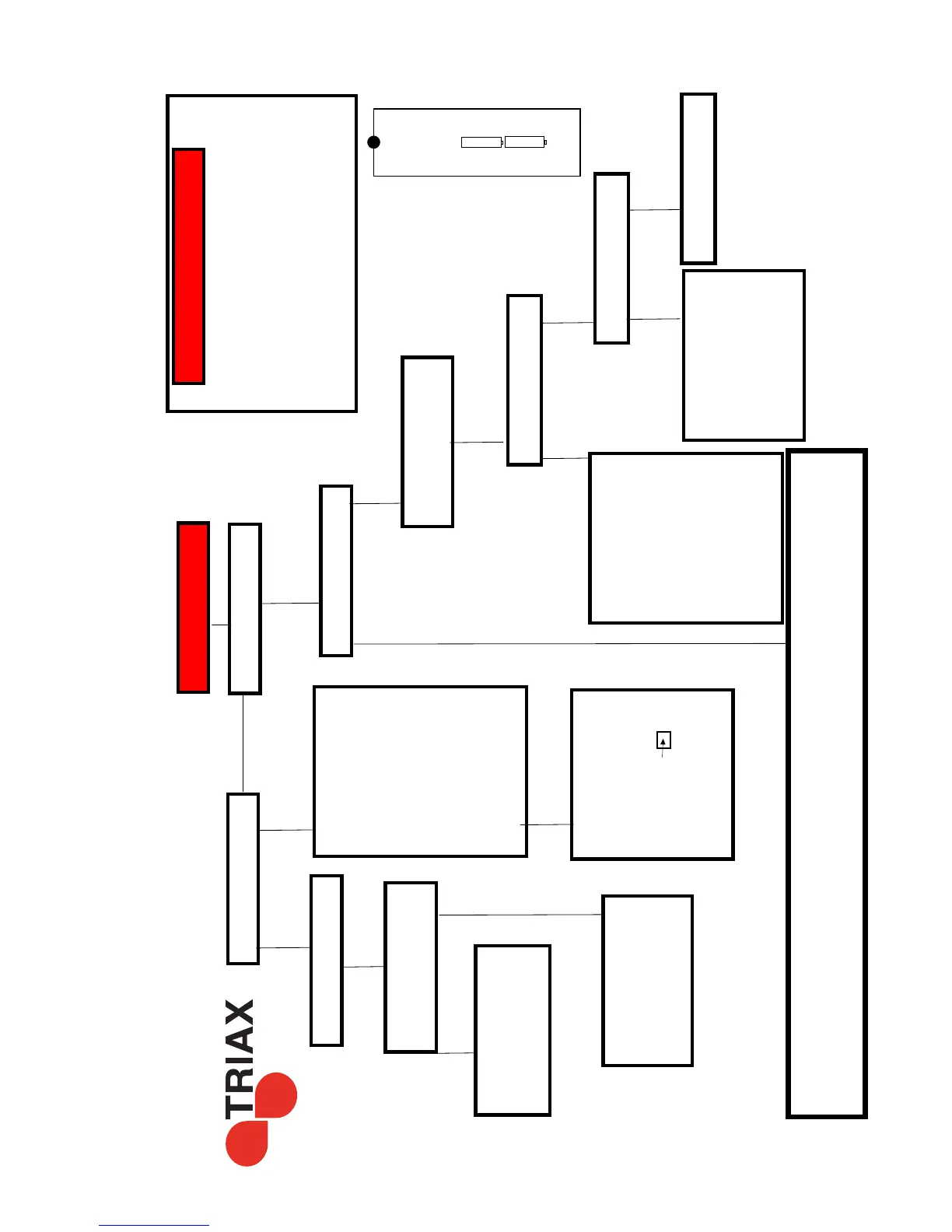
Can you get the TR-43
menu on the TV
My TR-43 is not working
NO
Is the TR-43 Display
illuminated?
Does the display look like
a clock
12:00 ?
NO
Press the ‘Red’ Power
button on the remote
control as the unit is in
stand by mode
YES
Check your power supply
/
Unplug the Aerial
connection and try again.
you may have a short on
your Aerial cable
NO
YES
Check the AV cable
is in the correct sockets
on the TV
Yellow - Yellow
Red - Red
White - White
is the SCART Connector
pushed in correctly
check the HDMI
connection (if used)
Still no menu?
Make sure the TV is in AV
or HDMI mode,
This may be by pressing
the AV or input button on
the remote
it may also have a button
like
Please refer to your TV
manual on how to get AV
channels working.
YES
Do you have “NO Signal”
Press the Info Button
and get the Signal bars
on the screen
YES
Do you have Signal
Intensity
Do you have Signal
Quality
YES
You Should have pictures,
Check all the channels
YES
NO
Please refer to the page 1
to check for new channels
and to insure that the
channels have been
loaded correctly for you
area of New Zealand.
NO
You may not be
connected to the Aerial
correctly,
or there could be a fault in
your system.
Please check your
connections
Please be careful not to
short the Aerial
connection on the TR-43
as this can cause a failure
in the box
NO
For other problems
You may need some professional help,
However if you are outside of Christchurch please note before a TR-43 is shipped it is tested and seen working
with picture & sound at our distribution centre. Please insure you have followed the Initial Setup on page 1.
My SHD10 Remote is not Working
Please check the batteries are in correctly ,
please test with new battery’s
If you have a Digital Camera or phone with camera
- turn the camera on
and point the remote to the camera (in the dark)
you can see the remote IR flashing when you
press the remote buttons - if the remote is working.
+
+
+
_
IR transmitter
remote
All Triax TR-43 Receivers are shipped after testing working with
Picture & Sound in New Zealand
So if it is not working please follow below for some help.
www.digitalimports.co.nz
Check the power is
connected to the tr-43
+
_



 To Previous Page