EasyManua.ls Logo

Triax SR 110 - User Manual

Triax SR 110
50 pages
Print Icon
To Next Page IconTo Next Page
Loading...
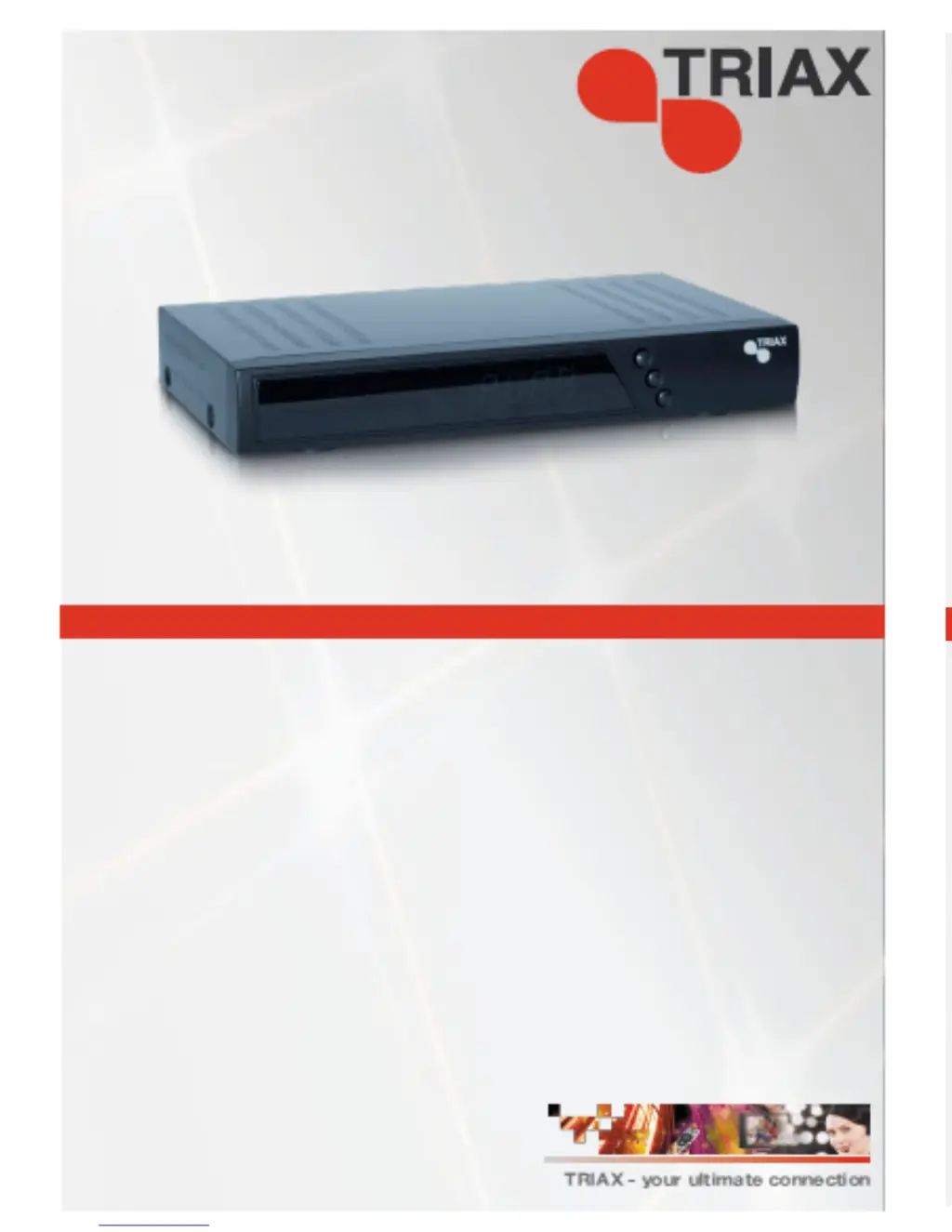
Triax SR 110
Digital Satellite Receiver
Operating Manual
305112
Copyright © Triax UK Ltd, E&EO 2008 Triax UK Ltd
Triax UK reserves the right to change or amend specifications without prior notification

Questions and Answers

  • L
    Larry MunozJul 31, 2025
    What to do if my Triax SR 110 has no sound or picture, but the menu displays?
    • G
      George StewartJul 31, 2025
      If your Triax Receiver displays the menu but shows no sound or picture, it could be due to the aerial not being aligned with the satellite. Try aligning your satellite dish. Also, check the cable connections from the LNB to the receiver and from the receiver to the connected units, as a loose connection can cause a 'no signal' issue.
  • K
    Kimberly ClarkAug 8, 2025
    How to fix Triax SR 110 Receiver when I can't find satellite or there is no signal?
    • A
      Alexandria WilsonAug 8, 2025
      To fix a Triax Receiver that can't find a satellite or has no signal, align the vertical mirror to the south. Turn it a few millimetres to the left, wait about 3 seconds, and repeat until both signal and quality are displayed. When the signal reaches about 60%, the black background will disappear, and a TV image will appear. For a different satellite, select a current program from the pre-programmed channel list, then press the INFO key.
  • J
    Jennifer SmithAug 15, 2025
    Why Triax SR 110 Receiver clock time is visible but screen is black?
    • B
      Bradley Oconnor PhDAug 15, 2025
      If the clock time is visible on your Triax Receiver but the screen is black, it means the receiver is in standby mode. To resolve this, press the POWER key on the remote control unit or on the receiver itself. This will switch on the receiver, and the program should be displayed on the TV screen.
  • E
    Eugene SchneiderAug 23, 2025
    What to do if the front display of my Triax SR 110 is dark, and no clock time is visible?
    • K
      kristin12Aug 25, 2025
      If the front display of your Triax Receiver is dark and no clock time is visible, ensure the power cable is connected to the mains socket and the main switch is turned on. A short circuit at the aerial supply may also be the cause, so check the connections.

Summary

Receiver Overview

Front Panel Overview

Identifies controls and indicators on the front of the receiver.

Rear Panel Connectivity

Details the various ports and connections on the back of the receiver.

Remote Control Overview

Remote Control Buttons

Identifies numbered buttons on the remote control.

Layout Features Explained

Details the functions of each remote control button.

Foreword

Safety Instructions

Electrical Connection Safety

Guidelines for safe electrical connections and potential hazards.

Correct Location and Handling

Recommendations for placement and handling to ensure safe operation.

Correct Handling of Batteries

Explanation of Safety Instructions

Contents Supplied

Receiver Description

Pre-programmed Satellites

Pre-programmed Satellites Continued

Connecting the Receiver

Satellite Cable Fitting

Step-by-step guide for fitting the satellite cable connector.

F-Type Connector Installation

Illustrates the process of fitting the F-type connector onto the coaxial cable.

SCART Cable Connection

Explains connecting the receiver to a TV or video recorder using a SCART cable.

Phono; AV Cinch Cable Connection

Describes connecting audio systems using Phono/AV Cinch cables.

Digital Audio Receiver Connection

Instructions for connecting a digital audio receiver via coaxial output.

Connection Diagram

Visual representation of audio connections, including coaxial digital output.

Aligning the Satellite Dish

Initial Steps for Dish Alignment

Basic recommendations and preparations for aligning the satellite dish.

Directional Guidance and Precautions

Provides directional information and safety warnings during alignment.

Field of Vision and Connection Checks

Ensures clear line of sight and verifies all connections before proceeding.

Step-by-Step Alignment Procedure

Outlines the sequential steps for physically aligning the dish.

Fine-Tuning and Signal Optimization

Focuses on adjusting elevation, peaking signal, and confirming reception.

Receiver Operation

User Interface

Screen Fade-In Information

Explains the information bar displayed during programme changes.

User Interface Navigation

How to navigate the receiver's menus using the TV screen interface.

Menu Structure Overview

Overview of the main menu categories and their submenus.

Menu Navigation Guide

Detailed instructions and examples for navigating the receiver's menu system.

Channel Management

TV Channel List Management

Functions for managing TV channels, including favourite, move, find, sort, edit.

Additional Channel Features

Additional channel management features like delete, skip, lock, create, and type.

Installation and Setup

Satellite Dish Installation Settings

Configuration options for satellite selection, LNB, DiSEqC, and scanning.

Receiver System Setup

Settings related to audio language, TV system, channel setup, and timers.

Receiver System Setup Continued

Further receiver setup options including parental lock, LNB power, and timer configurations.

Tools and Functions

Tools and Utilities

Access to factory reset, software updates, games, and system information.

Special Function Keys

Explains the use of special function keys like TV/SAT, TV/Radio, ZOOM, and LIST.

Special Function Keys Continued

Covers AUDIO selection, EPG, and TEXT (Teletext) functions.

Fast Text Functions

Details how to use fast text, multipicture, mute, and favourite functions.

Fast Text Functions Continued

Explains RECALL, INFO key for signals, sleep timer, and pause functions.

Maintenance and Troubleshooting

Disassembly and Cleaning

Instructions for safely disassembling and cleaning the receiver.

Trouble Shooting

Common problems and their solutions for signal reception and display issues.

Trouble Shooting Continued

Addresses issues like no image, poor picture, no sound, and remote control problems.

Specifications and Documentation

Technical Specifications

Detailed technical data and specifications for the receiver.

Technical Specifications Continued

Information on power supply, operating temperature, and manufacturer contact details.

Declaration of Conformity

Statement confirming the product meets relevant directives and standards.

Glossary

Definitions of technical terms used in the manual.

Glossary Continued

Further definitions of technical terms and warranty information.

Triax SR 110 Specifications

General IconGeneral
TypeSatellite Receiver
DiSEqC1.0, 1.1, 1.2, USALS
DemodulationQPSK, 8PSK
Input Impedance75 Ohm
LNB Power13/18V, 500mA max
Video DecodingMPEG-2
Video Resolution576i, 576p, 720p, 1080i, 1080p
Output Resolution576i, 576p, 720p, 1080i, 1080p
Audio DecodingMPEG-1 Layer I & II
ConnectorsHDMI, SCART, S/PDIF (Coaxial)
USBUSB 2.0
Power Supply12V DC
Frequency Range950-2150 MHz

Related product manuals