Need help?
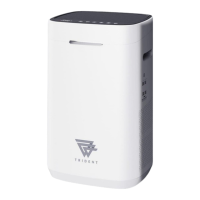
Do you have a question about the Trident MINI-2 and is the answer not in the manual?
Controls basic functions like power, timer, fan speed, and connectivity.
Manages advanced modes like sleep and AI-driven auto operation.
Explains the meaning of various status indicators on the control panel.
Steps to download and set up the mobile app for connection.
Procedure to enable Wi-Fi on the device for pairing.
Covers safe power handling, usage, and environmental considerations.
Details safe methods for moving and cleaning the device.
Instructions for cleaning louvers, sensors, and the machine exterior.
Procedures for cleaning various filters and the activator.
Addresses purification effectiveness, loud noise, and filter fit problems.
Solutions for unresponsive panels, fan motor anomalies, and power-on failures.
 General
| Brand | Trident |
|---|---|
| Model | MINI-2 |
| Category | Air Cleaner |
| Language | English |


 To Next Page