EasyManua.ls Logo

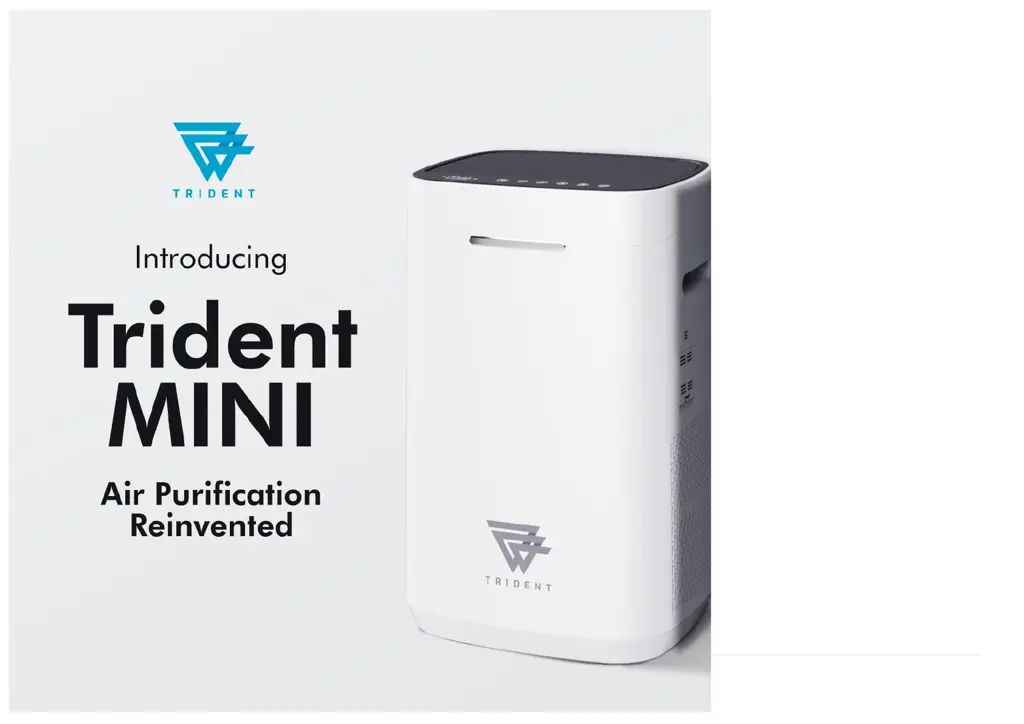
Trident MINI - User Manual

Trident MINI
10 pages
Print Icon
To Next Page IconTo Next Page
Loading...
1 | P a g e
TRIDENT AIR MINI BY PLASMA SCIENCE
USER MANUAL

Questions and Answers

Summary

Repair Advice

Parameter Information

Safe Air Dome Technology

Instructions for Use

Power and Mode Operation (ON;OFF, AUTO;SLEEP)

Instructions for turning the device on/off and switching between Auto and Sleep modes using the control panel.

Control Panel Button Functions Overview

Details the operation of buttons for Airflow, Timing, Child Lock, UVC, Filter Reset, and Wi-Fi configuration.

Wi-Fi Connection

Safety Precautions

Safety Precautions for Power, Usage, and Service

Covers safe practices regarding power connections, device usage, and restrictions to prevent hazards.

Notice for Cleaning

Cleaning & Maintenance

Cleaning Air Inlet and Outlet Grilles

Methods for cleaning dust and debris from the air inlet and outlet grilles using a soft brush or damp cloth.

Cleaning the VOC Sensor

Instructions for carefully cleaning the VOC sensor with a soft cloth to maintain accurate smell detection.

Cleaning the PM2.5 Sensor

Steps for cleaning the PM2.5 sensor lens and intake/output using cotton swabs for accurate readings.

Filter Cleaning Procedures

Common Troubleshooting Methods

Troubleshooting Common Malfunctions

Addresses common malfunctions such as unresponsive touch panels, reduced purification, loud noise, and device not turning on.

Warranty

Trident MINI Specifications

General IconGeneral
BrandTrident
ModelMINI
CategoryAir Cleaner
LanguageEnglish

Related product manuals