TY91/TY92 VHF Radio Installation Manual 24 November 2014
00839-00 Issue AF
______________________
42 Trig Avionics Limited
8. Normal Operation
8.1 Overview
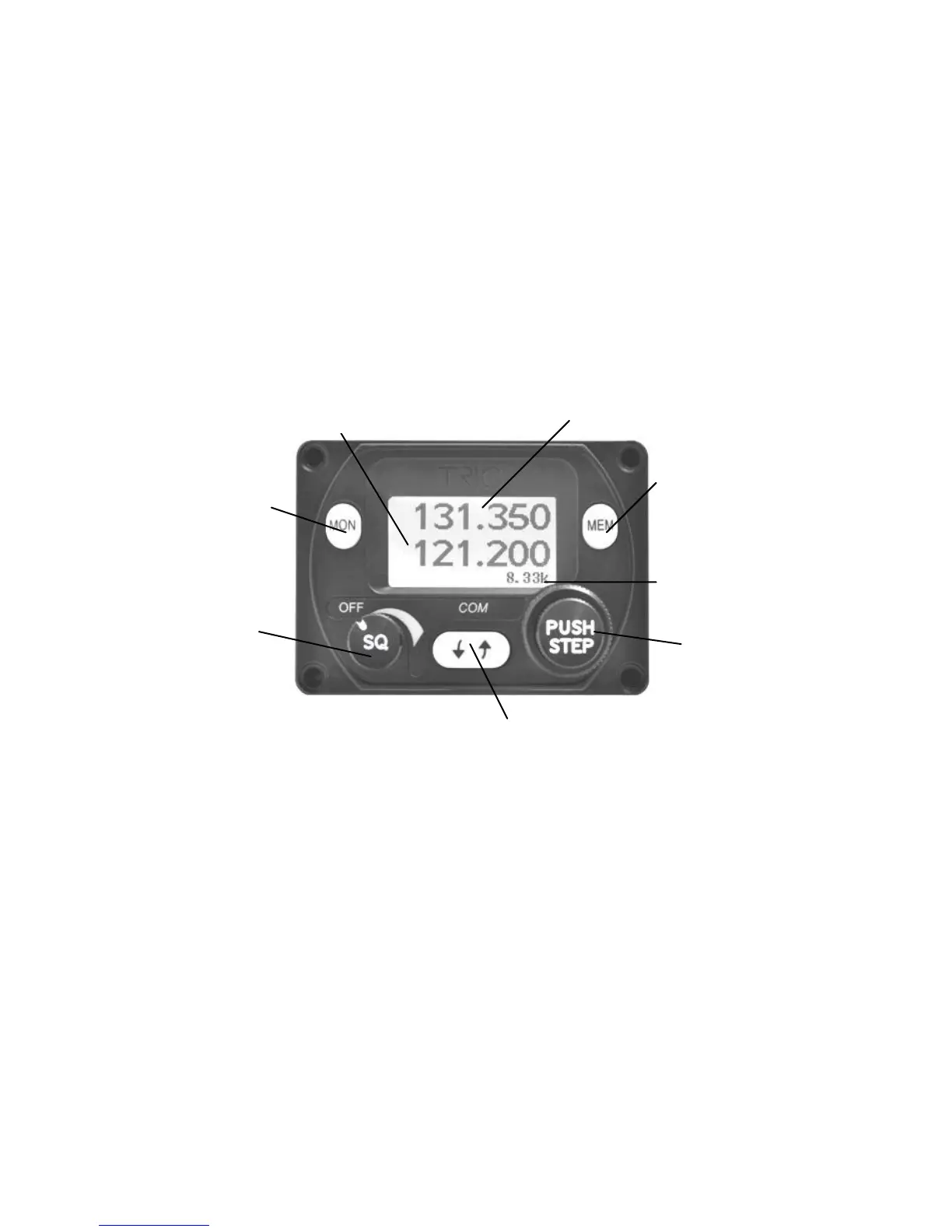
On the front panel is a monochrome LCD display flanked by a rotary volume
knob (OFF, and Squelch function) and a dual concentric tuning knob used for
frequency entry.
8.2 Display
The display shows the active and standby frequencies for the radio, and has
icons to indicate the operating modes.
8.3 On/Off Volume Knob
The left hand knob controls the power to the VHF radio and the audio volume.
Pressing the left hand knob toggles the radio squelch on and off, which can be
used to listen for faint stations, and as a simple audio test.


 To Next Page