Now familiarize yourself a little with the controls and the connection sockets. Feel free to
try all functions; You cannot destroy anything. Once you have familiarized yourself with all
functions and have understood how the EXXCEED works, you can start with the wiring.
However, you should - as always when working on the wiring - switch off the Exxceed CD
player and the other devices in your system!
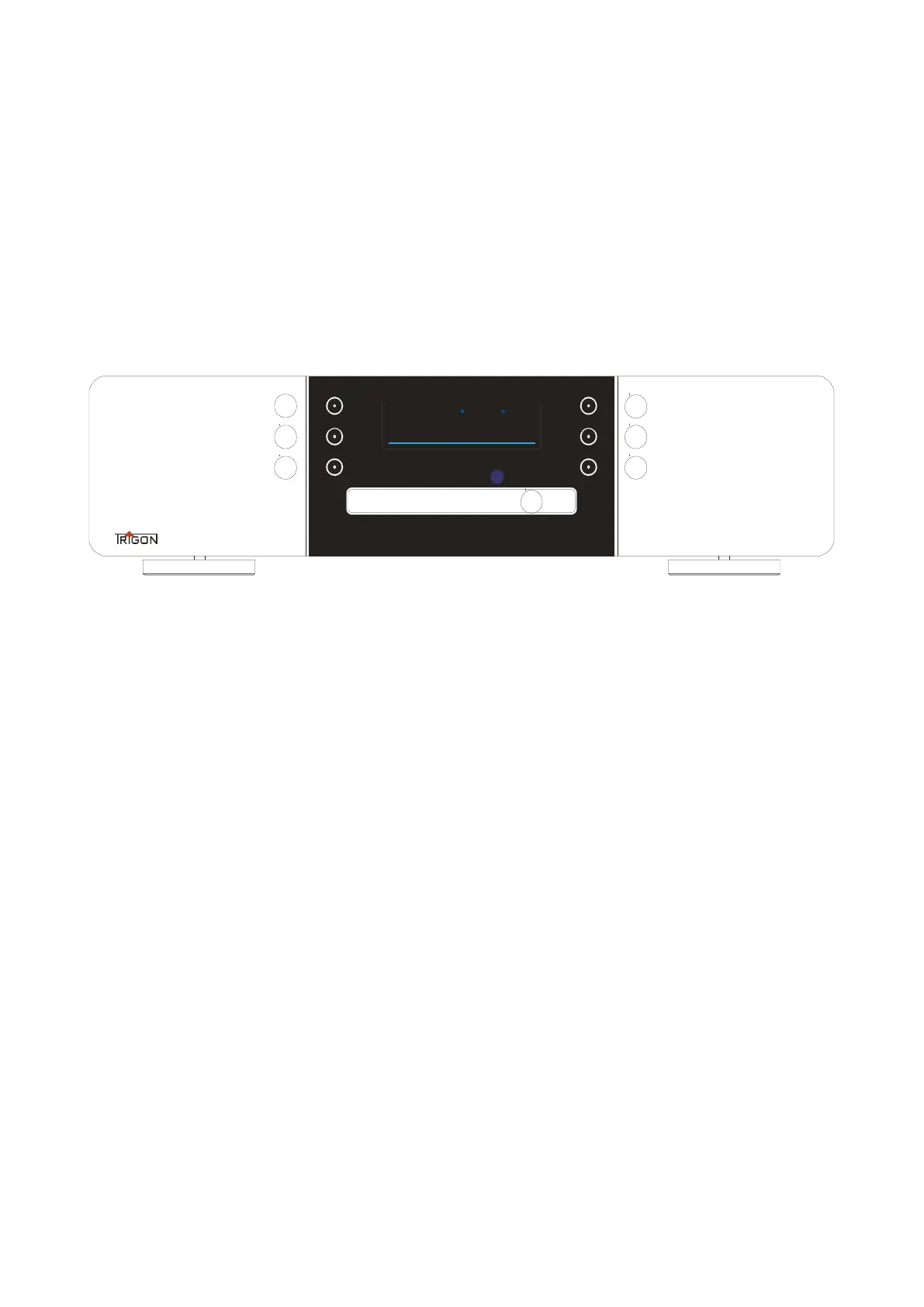
3.1 The controls on the front
picture 1
The control buttons on the EXXCEED CD player are electronic sensor buttons. The
switching function is triggered by placing your finger on it. When the key lighting is
switched on, the keys light up a little brighter as soon as a switching process is
recognized. Some buttons have multiple functions, which are described below.
[ 1 ] Button STOP
Durch Antippen dieser Taste wird die Wiedergabe gestoppt. Durch längeres Berühren
dieser Taste gelangt man in das Einstellungsmenü oder kann es mit dieser Taste auch
wieder verlassen. (Siehe Kapitel 3.3.x)
[ 2 ] button START ( break )
Briefly touching this button starts playback of the inserted CD. Another short touch
switches the PAUSE (II) of the playback on or off. If this button is pressed longer, the
repeat function "Repeat" is activated first. Another long press of the button also switches
on random play "Ramdom". Another long press of the button then switches off the repeat
function and after another long press of the button the random function switches off again.
Another long press switches the repeat function back on, etc.


 To Next Page
 Loading...