[ 3 ] Button << < Title jump back and fast search rewind
Briefly touching this button plays the track before the track currently being played. If the
button is pressed continuously, the system jumps back within the title.
When the menu is open, this button is used to navigate backwards.
[ 4 ] button > >> Skip forward and fast search forward
Briefly touching this button plays the track after the track currently being played. If the
button is pressed continuously, the title jumps forward.
When the menu is open, this button is used to navigate forward.
[ 5 ] button OPEN
Briefly touching this button opens and closes the CD drawer.
When the menu is open, pressing this button shows the current device software version at
the bottom of the display.
[ 6 ] button ON/OFF
This button turns the CD player on and off. A short press on this button switches the
EXXCEED on and a longer press switches it off (standby mode).
[ 7 ] CD drawer
The audio CD is inserted here. The CD must be inserted with the label side up and the
data side down. When the drawer is open, the automatic closing mechanism can also be
triggered by pushing the drawer manually.
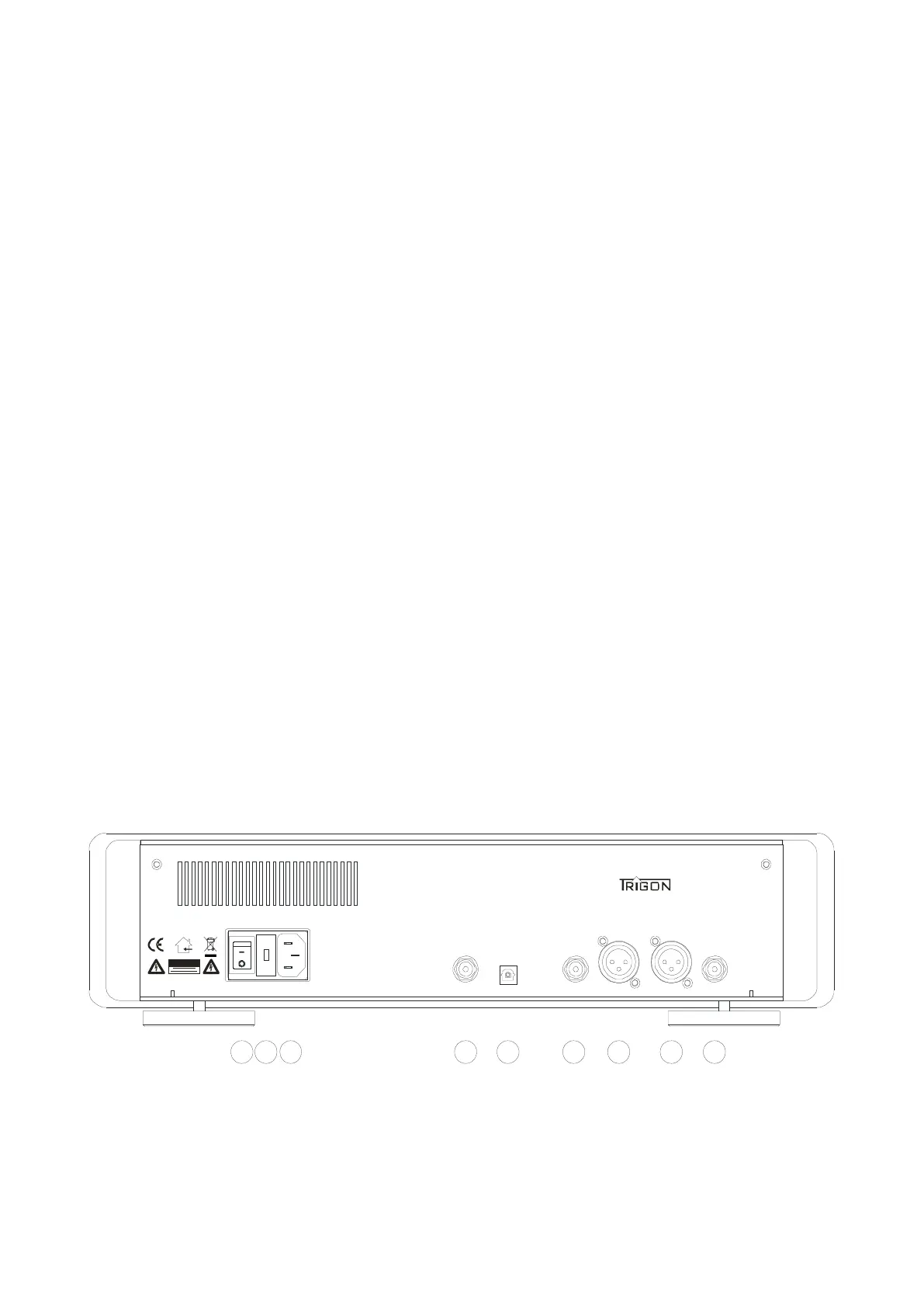
3.2 The ports on the back
picture 2



 To Next Page