Introduction
This manual provides the necessary information for the proper
installation and use of TriMark’s discrete e-PAD system.
Note: Some features discussed in this manual may not be available
on your system.
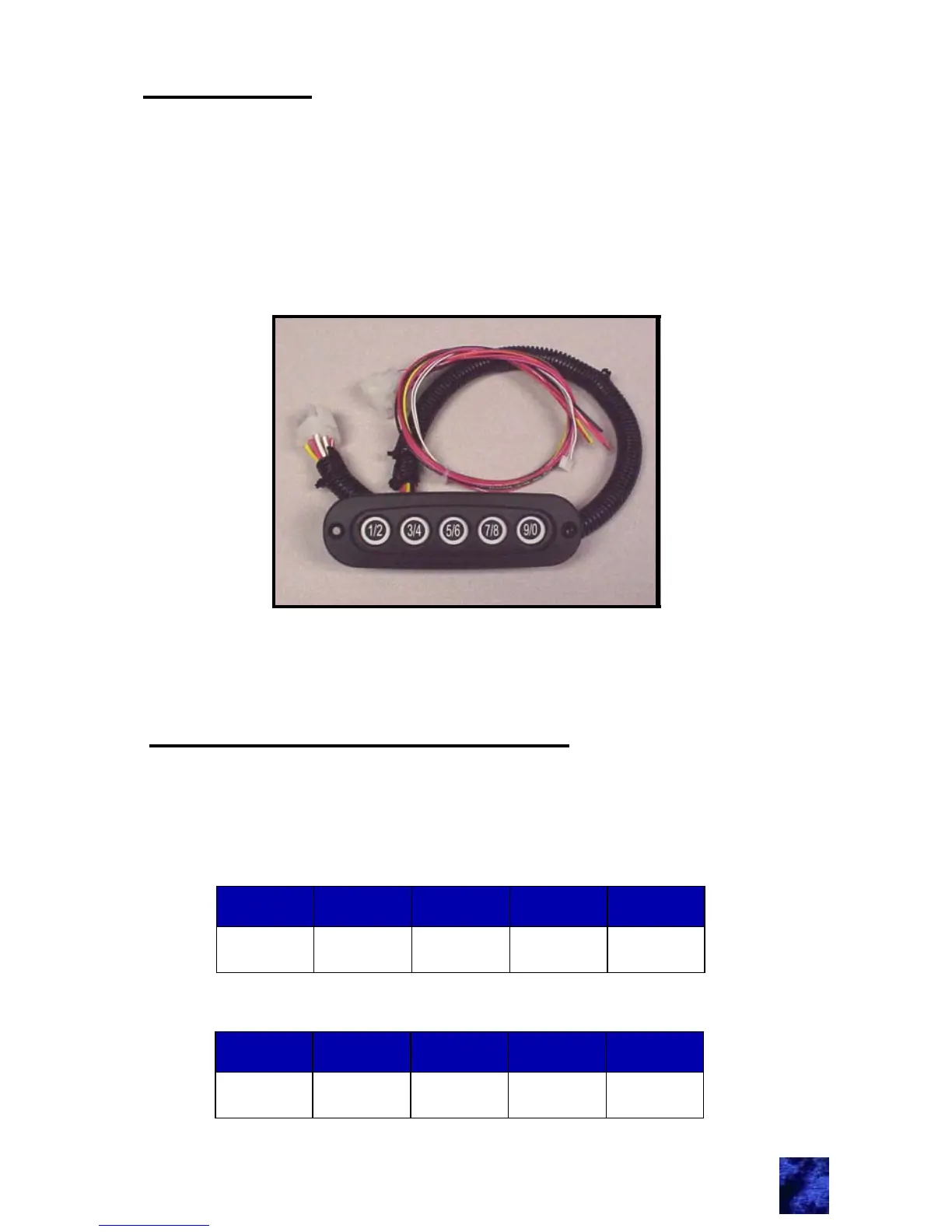
e-PAD keypad
1
Note: Horizontal or vertical e-PADs are available.
e-FOB Operation and Features
The e-PAD is shipped with default authority and access codes. Unless
the OEM or dealer has changed the default codes, the authority and
access codes are as follows:
Access code:
Authority code:
Digit 1 Digit 2 Digit 3 Digit 4 Digit 5
1 / 2 3 / 4 5 / 6 7 / 8 9 / 0
Digit 1 Digit 2 Digit 3 Digit 4 Digit 5
7 / 8 7 / 8 7 / 8 7 / 8 7 / 8



 To Next Page