Notes:
• The authority code does not allow for secure operations. It is
only used to assign access codes (see page 3 for information
on setting authority and access codes).
• If an unassigned button or no button is pressed while the
system is enabled, the keypad reverts back to disabled state.
• The secure keypad operations are set depending on the system
configuration.
Dome Light Activation
The dome light is activated for 30 seconds whenever a secured
operation occurs.
Protective Deactivating Security Feature
After repeated entering of incorrect codes (20 button presses without
enabling), the keypad is deactivated for 1 minute. This helps prevent
unauthorized access by entering random codes.
No beep will sound with button press while the system is disabled.
2
Locking Doors With Keypad
Press and hold down the (1 / 2) button for 1-2 seconds. An access
code is not needed to lock the doors.
Secure Operations
Entering a valid 5-digit access code enables secure operations. After
entering an access code, the keypad is enabled for 5 seconds and a
6th button press initiates a secure operation, such as unlocking the
doors.
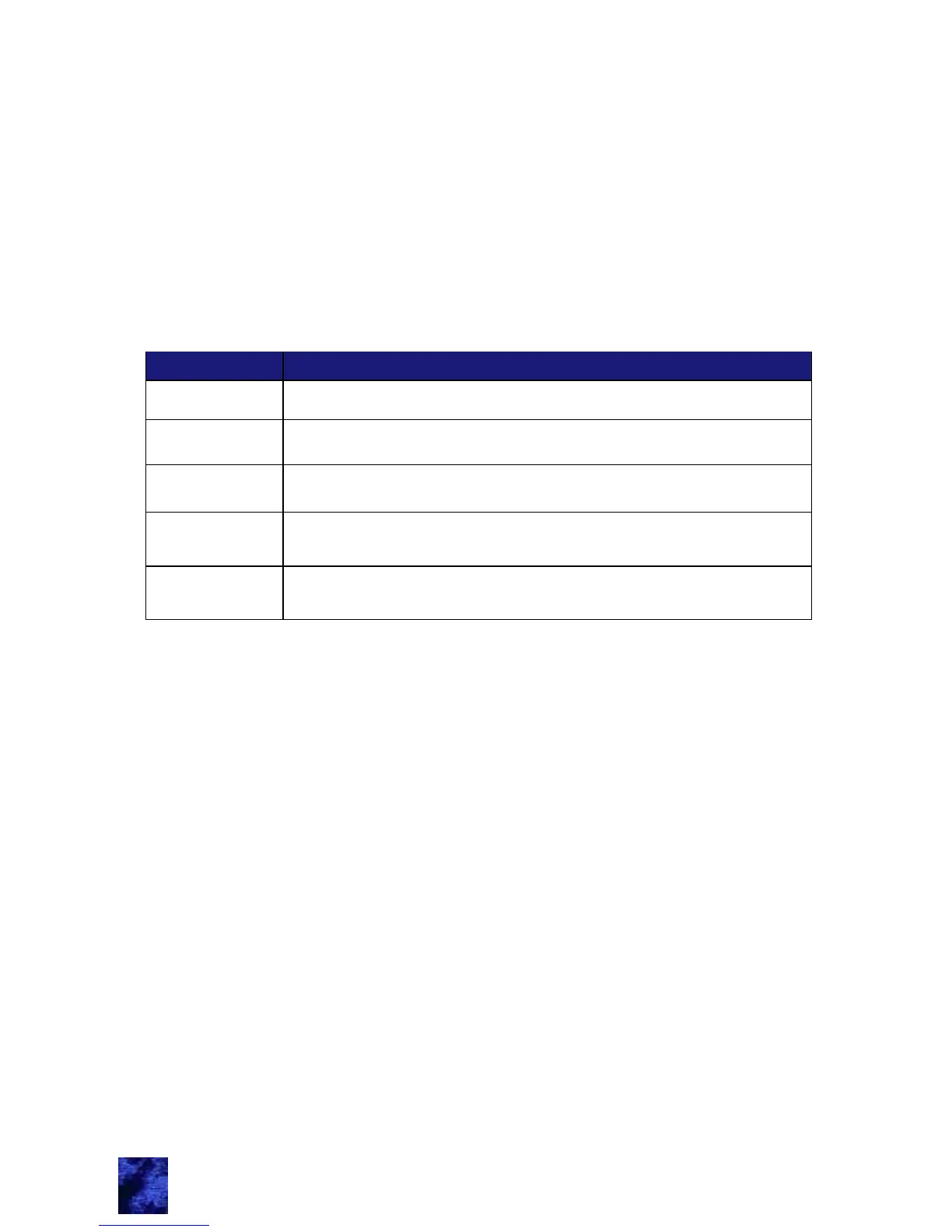
The table below shows the default button assignments:
1 / 2 Button
Unlocks entry doors
3 / 4 Button
5 / 6 Button
Unlocks Bank Two (may be set to left side of vehicle)
7 / 8 Button
Unlocks entry doors, Bank One and Bank Two with
staggered actuation
9 / 0 Button
Activates light for 5 minutes. Repeating sequence while
light is on turns light off.
Unlocks Bank One (may be set to right side of vehicle)



 To Next Page