EasyManua.ls Logo

TriMark e-ASK UM28 - User Manual

TriMark e-ASK UM28
12 pages
Print Icon
To Next Page IconTo Next Page
Loading...
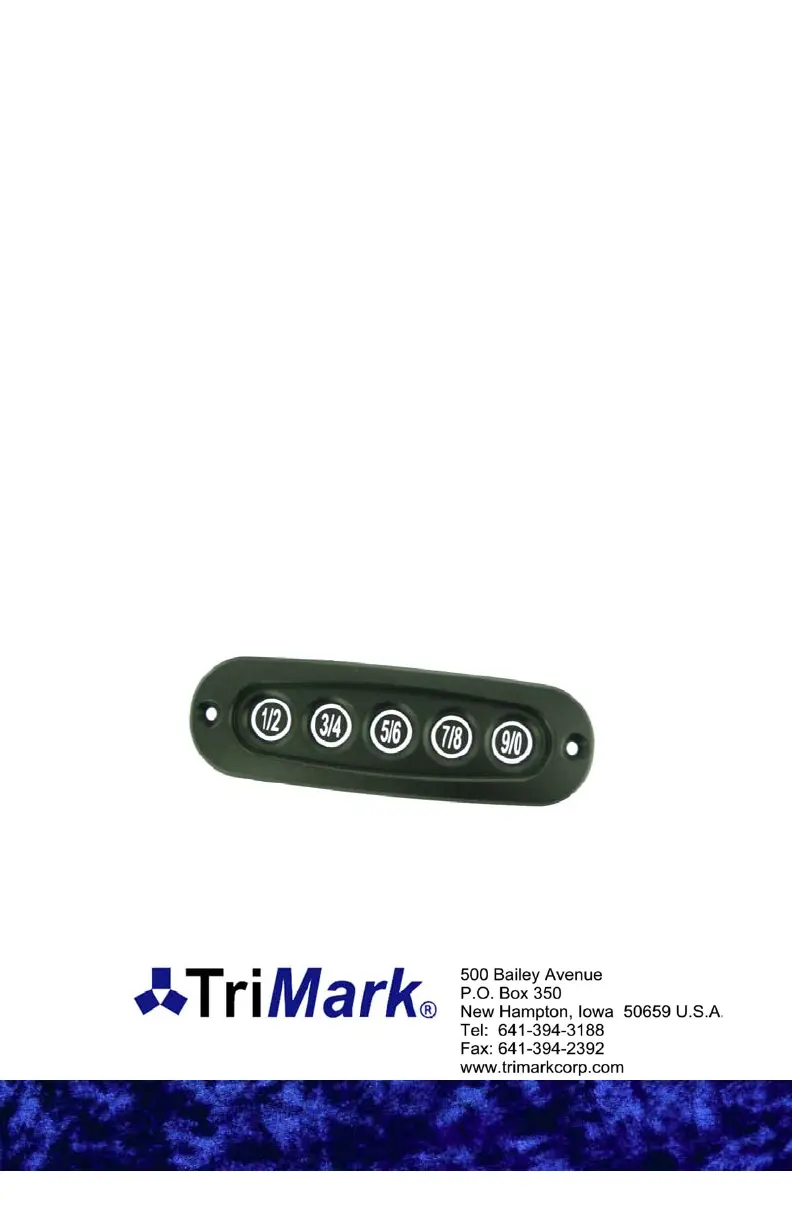
e-ASK
electronic Access Security Keyless-entry
Keypad With
Keypad With
On
On
-
-
Board Relays
Board Relays
(UM28 ~ 540-0200)

Questions and Answers

  • R
    Robin BrooksAug 12, 2025
    What to do if my TriMark e-ASK UM28 Keypad doesn't respond when buttons are pressed?
    • G
      gibsonannaAug 12, 2025
      If your TriMark Keypad isn't responding, several factors could be at play. First, check the contacts in the door frame (if the keypad is installed in the door) for dirt and corrosion, which can hinder power. Clean them with a scouring pad and a mild solution. Also, check the fuse protecting the keypad's circuit and replace it if it's blown. If a new fuse blows immediately, take your vehicle in for service, and do not bypass the fuse or use one greater than 7.5A. Finally, the power supply might be depleted, so replace or recharge the batteries.
  • S
    Sara ScottAug 19, 2025
    Why entrance door does not respond to lock/unlock commands from TriMark e-ASK UM28?
    • S
      stevendyerAug 19, 2025
      If the entrance door isn't responding to lock/unlock commands from your TriMark Keypad, it could be due to a couple of reasons. The door might be misaligned with the catch in the frame, in which case you should adjust the door. Alternatively, the actuator in the door could be jammed. Inspect the actuator and connecting rod for ease of motion, lubricate the rod connections, and replace the actuator if it is stiff or extremely difficult to move.
  • J
    johnsonwilliamAug 27, 2025
    What to do if TriMark e-ASK UM28 powers off after entering code?
    • G
      gomezsamanthaAug 27, 2025
      If your TriMark Keypad powers off after you enter the code or when attempting to lock, and doesn't power back on for several minutes, it indicates that the circuit is shorted. Discontinue use of the keypad and take your vehicle in for service.
  • D
    Dalton DavisSep 3, 2025
    How to fix TriMark e-ASK UM28 when access code is not recognized?
    • R
      Robert GonzalezSep 3, 2025
      If your TriMark Keypad isn't recognizing the access code, first verify that the code hasn't been changed. Reassign the keypad using the instructions on page 5. Also, confirm that you are using an access code and not the authority code.

TriMark e-ASK UM28 Specifications

General IconGeneral
TypeKeypad
ModelUM28
BrandTriMark
Keypad TypeMembrane
ConnectivityWired
Keypad IlluminationYes
Ingress ProtectionYes
Operating Voltage12V DC
Voltage12V DC
BacklightLED