8 Accessory Connections
66 EZ-Guide 500 System Cabling Guide
Connecting a coverage switch to the lightbar
You can connect a coverage switch to the EZ-Guide 500 lightbar guidance system to
turn coverage logging on and off. When the switch is closed (switched on), coverage
logging occurs. When the switch is open (switched off), coverage logging does not
occur. The switch can be either a toggle switch or connected directly to the implement
or spray source.
To connect a coverage switch to the lightbar:
1. Connect an interface cable to the lightbar.
2. Attach the female WeatherPack connector (supplied) to the wires of a switch
(not supplied).
3. Do one of the following:
– Option 1: Attach the switch wires to an implement or spray source.
– Option 2: Attach the switch wires to a toggle switch.
4. Enable the switch on the lightbar.
Step 1. Connecting an interface cable to the lightbar
The coverage switch requires one of the following external interface cables which has a
3-pin WeatherPack connector:
• External interface cable (P/N 52033)
• Right angle interface cable (P/N 62749)
Connect the cable to the serial (DE9) port on the rear of the lightbar.
Step 2. Attaching a female WeatherPack connector to the switch wires
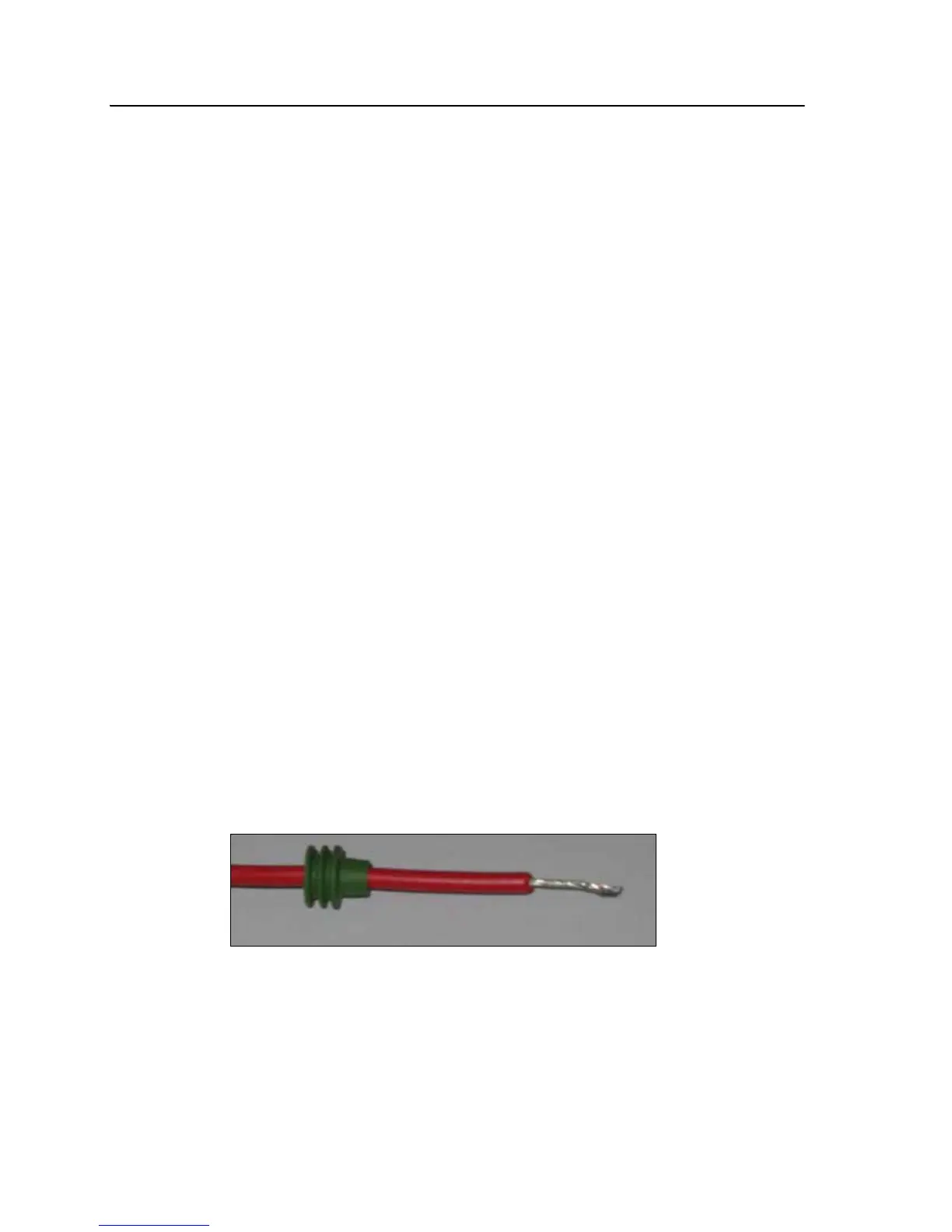
1. Strip about 1 cm (0.4 inches) of insulation off the switch wires.
2. Thread each switch wire through a cable seal:



 To Next Page