EZ-Guide 500 System Cabling Guide 69
Accessory Connections 8
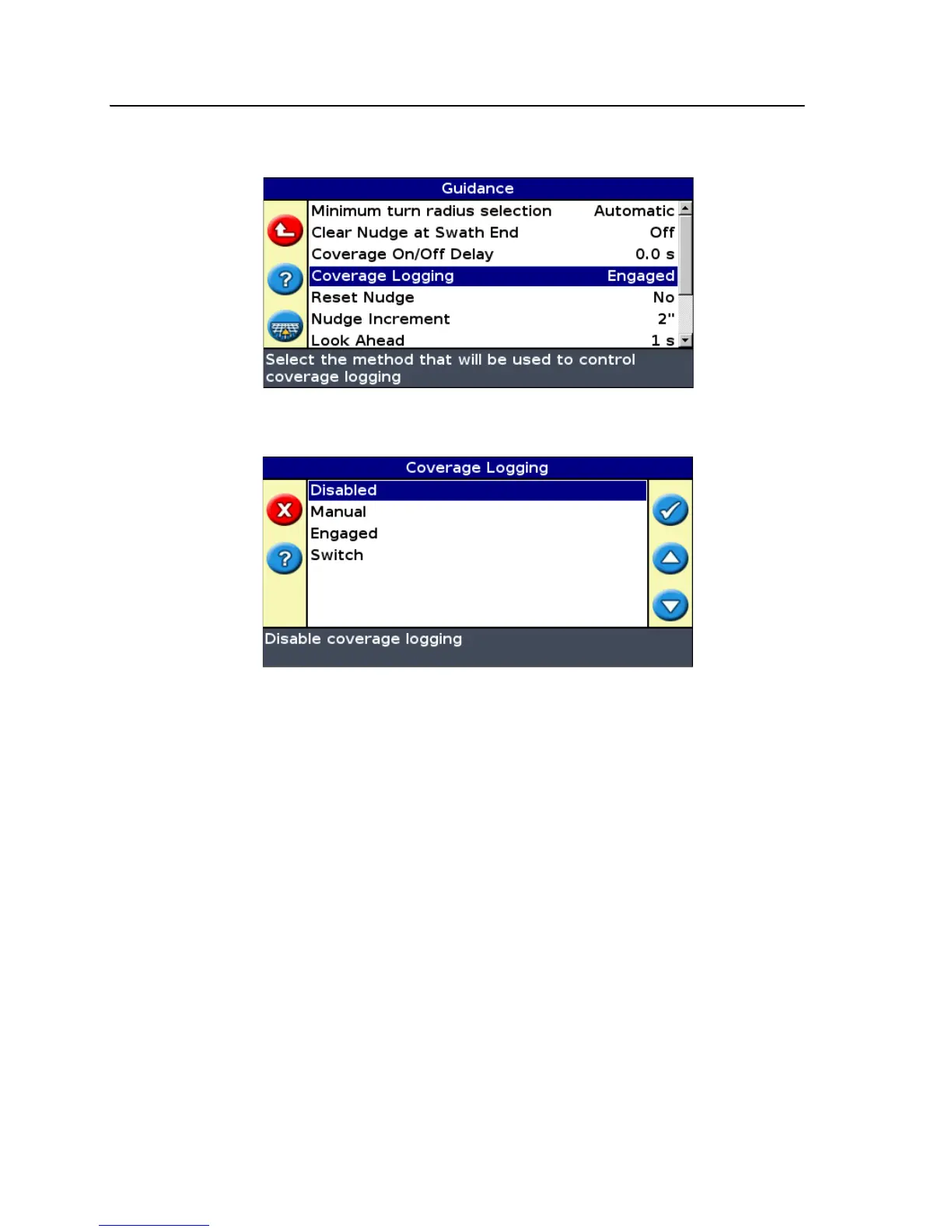
4. Select System / Guidance. The Guidance screen appears:
5. Select Coverage Logging and then press . The Coverage Logging screen
appears:
6. Press until you have selected Switch and then press .
7. If necessary, set the user mode back to Easy.
Coverage logging is now set to start when you turn on the switch or when the
implement turns on.



 To Next Page