8 Accessory Connections
70 EZ-Guide 500 System Cabling Guide
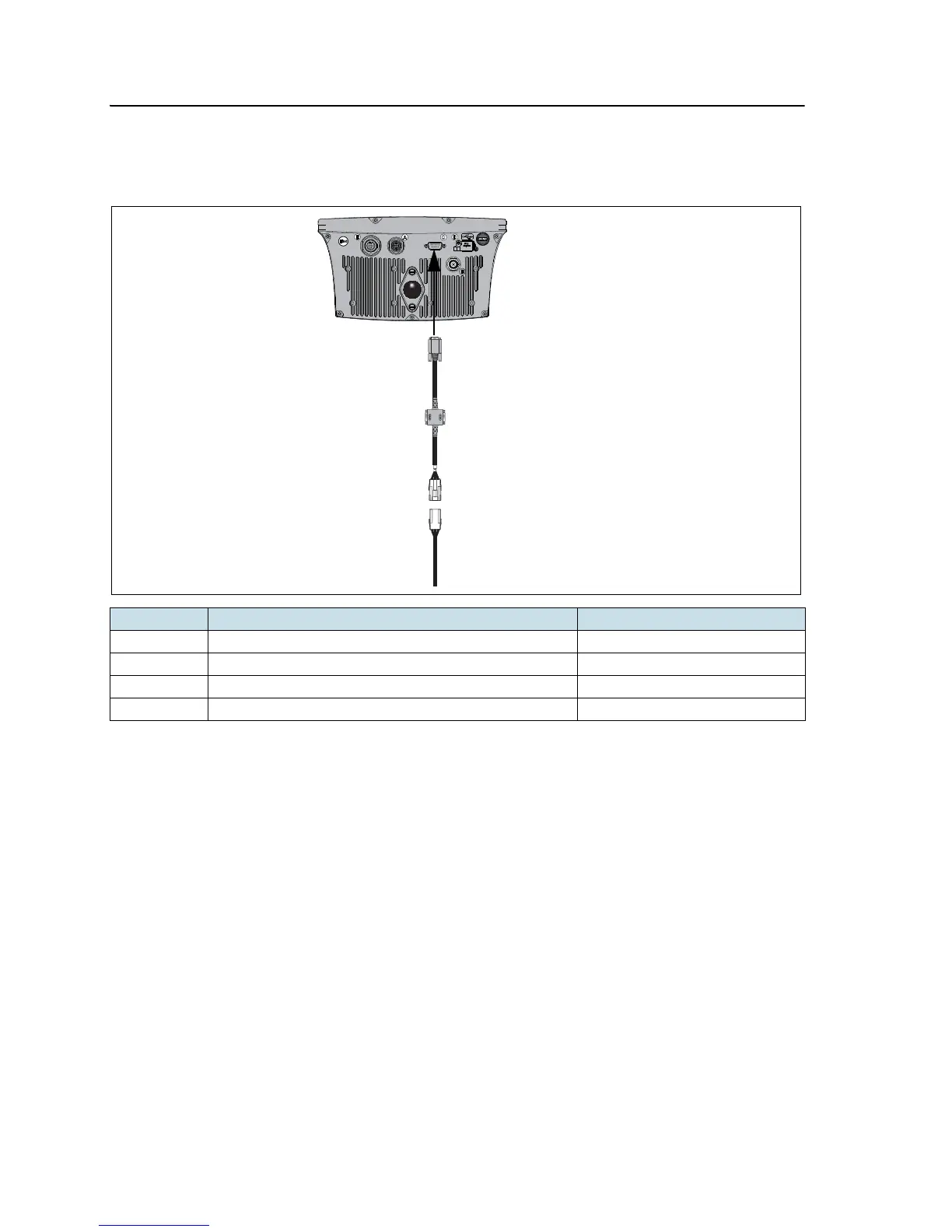
EZ-Guide 500 system with coverage switch
This figure shows how to connect a coverage switch to the EZ-Guide 500 lightbar:
Note – There is not a specific coverage switch. Create one with the supplied WeatherPack
connector.
You can connect the coverage switch to either an implement or a toggle switch. This
may require a relay. For more information, refer to the EZ-Guide 500 Lightbar:
Connecting a Coverage Switch Support Note on www.EZ-Guide.com.
Item Description Part number
A EZ-Guide 500 lightbar 66100-xx
B External interface cable 62749
1 Female WeatherPack connector –
2 Male WeatherPack connector –



 To Next Page