EZ-Guide 500 System Cabling Guide 75
Accessory Connections 8
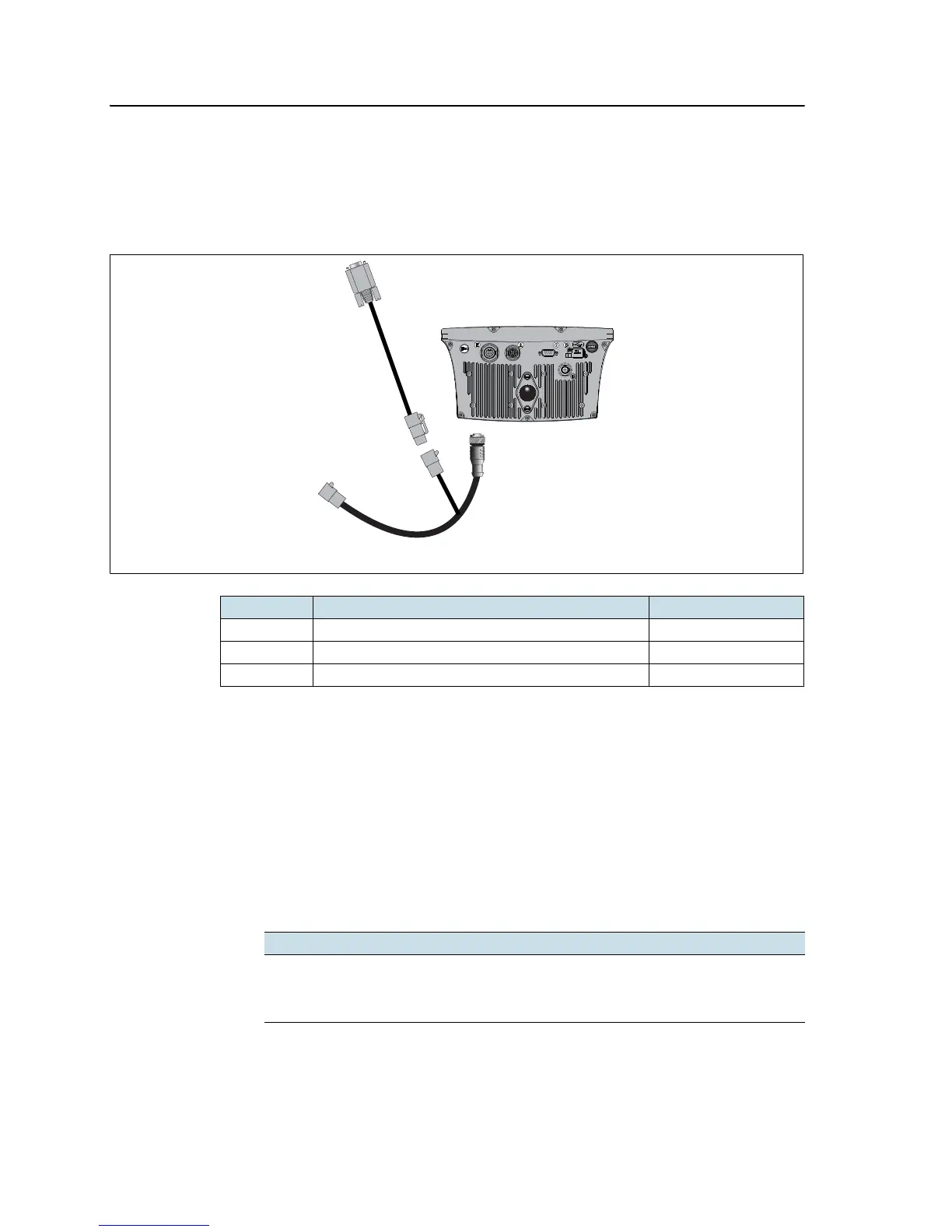
Preparing the EZ-Guide 500 COM 2 port connection cable
(P/N 63076)
The EZ-Guide COM 2 port connection cable (P/N 63076) connects to the 19-pin cable
(P/N 62609) to add a second COM port for the EZ-Guide 500 lightbar guidance system.
Insert the contacts on cable P/N 63076 into the port 2 mating connector as follows:
1. Identify port 2 on cable P/N 62609. It is the gray 12-pin Deutsch connector.
2. Unplug the gray Deutsch DTM06-12S dust cover.
3. Pull out the connector wedgelock with a pair of needlenose pliers. The
wedgelock is the piece of orange plastic with 4 square holes.
4. On the other side of the dust cover, remove the sealing pins from cavities 5, 6,
and 7.
5. Insert the labeled contacts on cable P/N 63076 into the specified cavities:
6. Replace the wedgelock.
Item Description Part number
A EZ-Guide 500 lightbar 66100-xx
B Port expansion cable 62609
C EZ-Guide 500 COM 2 port connection cable 63076
Contact Cavity
Yellow 5
Violet 6
Green 7



 To Next Page