Trimble M3 Total Station User Guide 87
Coordinates 7
– To stake out points using angle, distance,
and height, press
[4] HDh, see Stakeout by
angle and distance (HD or HDh), page 89.
– To stake out points using reference line,
press
[5] RefLine 2D, see Stakeout by
reference line, page 90.
– To stake out using division line, press
[6] DivLine 2D, see Stakeout by dividing
line, page 91.
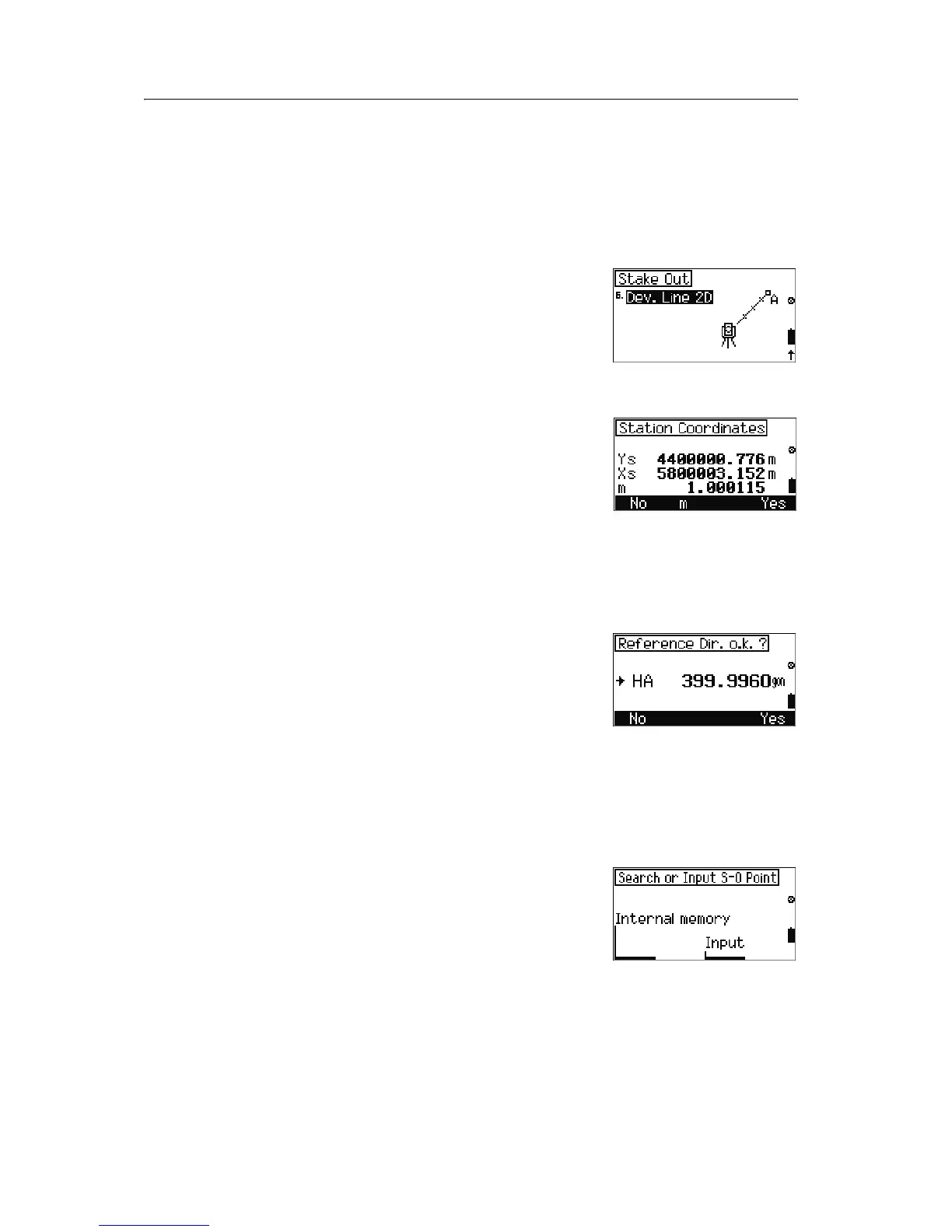
70.1 Stake out by coordinates (XY or XYZ)
1. From the Stake out menu, select [1] XY or
[3] XYZ. A confirmation screen appears enabling
you to verify the current station coordinates.
2. Do one of the following:
– To terminate the program, press
[F1] No.
– To show the Scale edit screen, press
[F2] m.
– To accept the station coordinates and
proceed to the reference direction
confirmation screen, press
[F4] Yes.
The
Reference Dir screen enables you to
confirm the reference direction.
3. Do one of the following:
– To terminate the program, press
[F1] No.
– To accept the backsight point angle and
proceed to the
Stake Out screen, press
[F4] Yes.
Note – When you select
[3] XYZ, the station elevation
confirmation screen appears when you confirm the
reference direction.
4. In the
Stake Out screen, press [F3] Input to
input coordinates of the backsight point.


 To Next Page
 Loading...