EasyManua.ls Logo

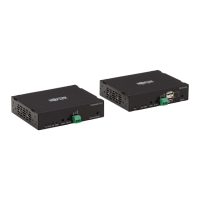
Tripp Lite B127-1A1-WHD1 - User Manual

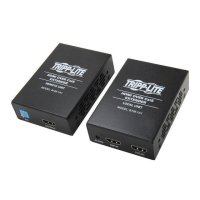
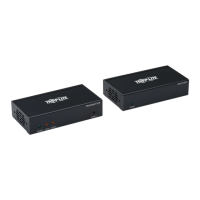
Tripp Lite B127-1A1-WHD1
21 pages
Print Icon
To Next Page IconTo Next Page
Loading...
1
Owner’s Manual
4K/30 Hz HDMI
Wireless Extender
Model: B127-1A1-WHD1
1111 W. 35th Street, Chicago, IL 60609 USA • www.tripplite.com/support
Copyright © 2019 Tripp Lite. All rights reserved.
WARRANTY REGISTRATION
Register your product today and be
automatically entered to win an ISOBAR
surge protector in our monthly drawing!
www.tripplite.com/warranty
Español 8 • Français 15
19-06-126-9339AD.indb 1 7/17/2019 11:58:48 AM

Questions and Answers

  • J
    James SmithAug 8, 2025
    Why is the video flickering on my Tripp Lite B127-1A1-WHD1 Extender?
    • J
      joshuajohnsonAug 8, 2025
      Flickering or unstable video on your Tripp Lite Extender can occur due to several reasons. Try the following: * Change the positions of the transmitter or receiver and ensure they are within the specified operating distance. * Check for obstacles that might be blocking the wireless signal. * Restart the transmitter and receiver units.
  • E
    evansginaAug 25, 2025
    What to do if the Data Transmission LED is blinking but there is no signal output on my Tripp Lite B127-1A1-WHD1 Extender?
    • M
      martinloriAug 25, 2025
      If the Data Transmission LED indicator blinks slowly on the Transmitter unit, but there is no signal output on the display of your Tripp Lite Extender, verify the source device is outputting an HDMI signal by connecting the source device directly to your display. Also, ensure the HDMI cables you are using support 4K/30 Hz resolutions.

Tripp Lite B127-1A1-WHD1 Specifications

General IconGeneral
CategoryExtender
ModelB127-1A1-WHD1
TypeHDMI Extender
ConnectorsHDMI, RJ45
HDCP CompatibilityYes
PoENo
Maximum Resolution1080p
Power Supply5V DC

Related product manuals