15
Standard Extender/Splitter Installation
Splitter Daisy-Chain Installation
(B127-004-H and B127-008H only)
port will illuminate to indicate the unit is receiving power from the
extender/splitter.
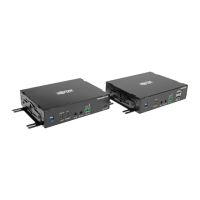
9. Turn on the power to the HDMI source. The (orange) RJ45 LEDs will
illuminate on the B127-002-H , B127-004-H and B127-008H to
indicate the unit is receiving a signal from the source. Additionally, the
OUTPUT (orange) LED will illuminate for each port signal connection.
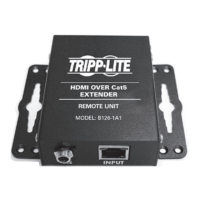
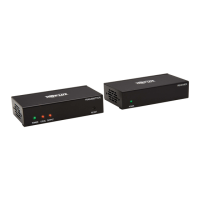
10. The RJ45 (orange) LEDs on the B127-100-H / B127-200-H and
orange LED on the B127-100-H-SR will illuminate to indicate a signal
is being received from the extender/splitter. The screen should now
display on the connected monitors.
Notes:
1) Test to ensure the entire installation works properly before pulling cables through
ceilings/walls.
2) To achieve maximum distance and performance, use 24 AWG solid-wire Cat6
cable. Using stranded-wire Cat6 cable, or cable with a gauge (AWG) size higher
than 24 AWG, will result in shorter extension distance. Higher gauge cabling,
such as 26 AWG, has a more limited transmission capability than lower gauge
cabling. All Tripp Lite N202-Series cables are made with 24 AWG solid-wire
cabling.
3) Using the B127-100-H or the B127-200-H, a 4K/60 Hz signal can be extended
up to 125 ft. (38 m) from the source. Using a B127-100-H-SR, a 4K/60 Hz
signal can be extended up to 50 ft. (15 m) from the source.
4) The B127-200-H supports two HDMI output ports.
20-02-371-933918_Rev C.indd 1520-02-371-933918_Rev C.indd 15 3/6/2020 1:46:30 PM3/6/2020 1:46:30 PM


 To Next Page
 Loading...