6
Setup
CSD1006USB Model (continued)
B
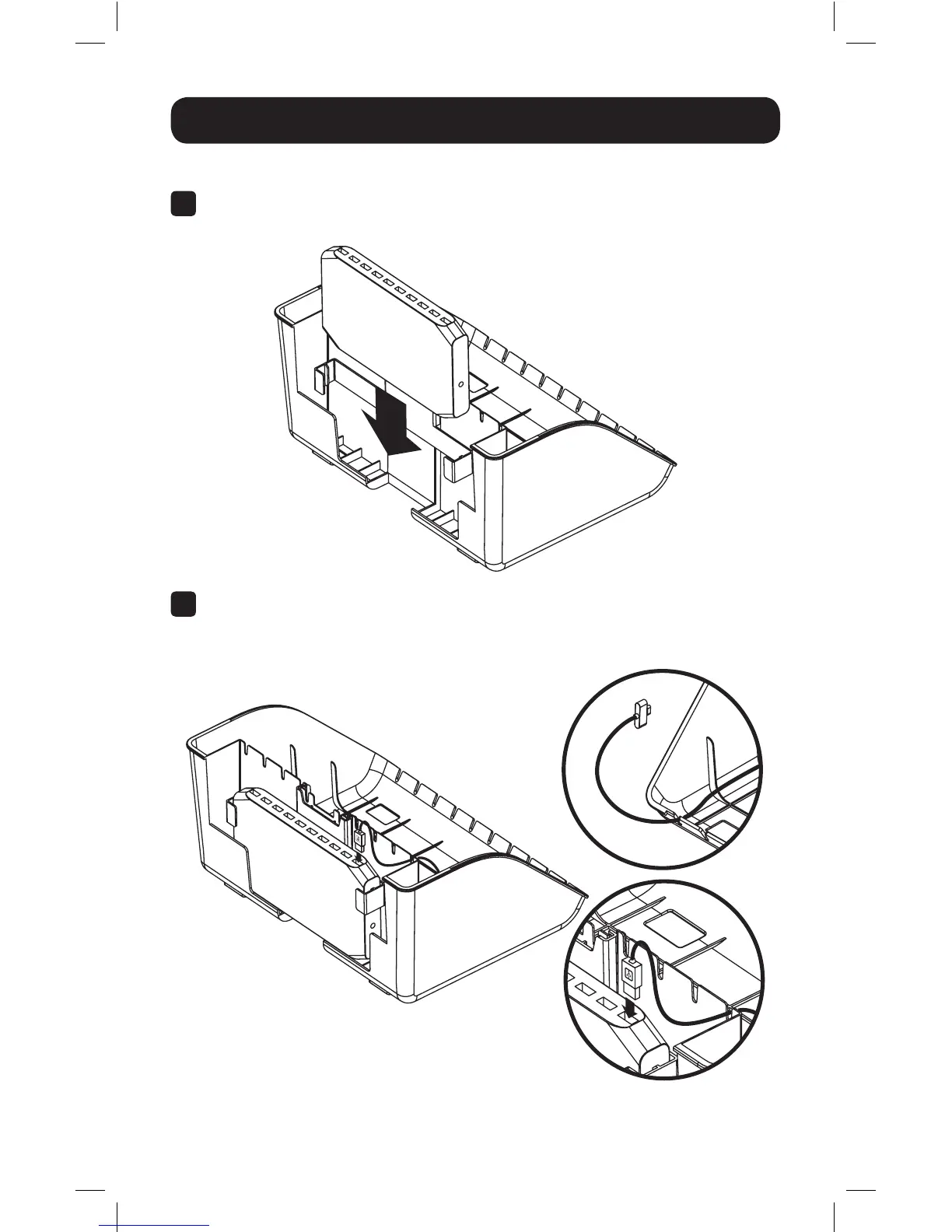
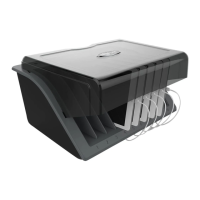
Insert the USB charging unit into the mounting bracket with the USB ports
facing upward.
C
Connect USB charging cables appropriate for the number and type of
devices. The slots located at the top and front of the enclosure base allow for
convenient cable routing.
17-01-037-93362C-EN.indd 6 1/5/2017 5:07:13 PM



 To Next Page