7
Setup
CSD1006USB Model (continued)
D
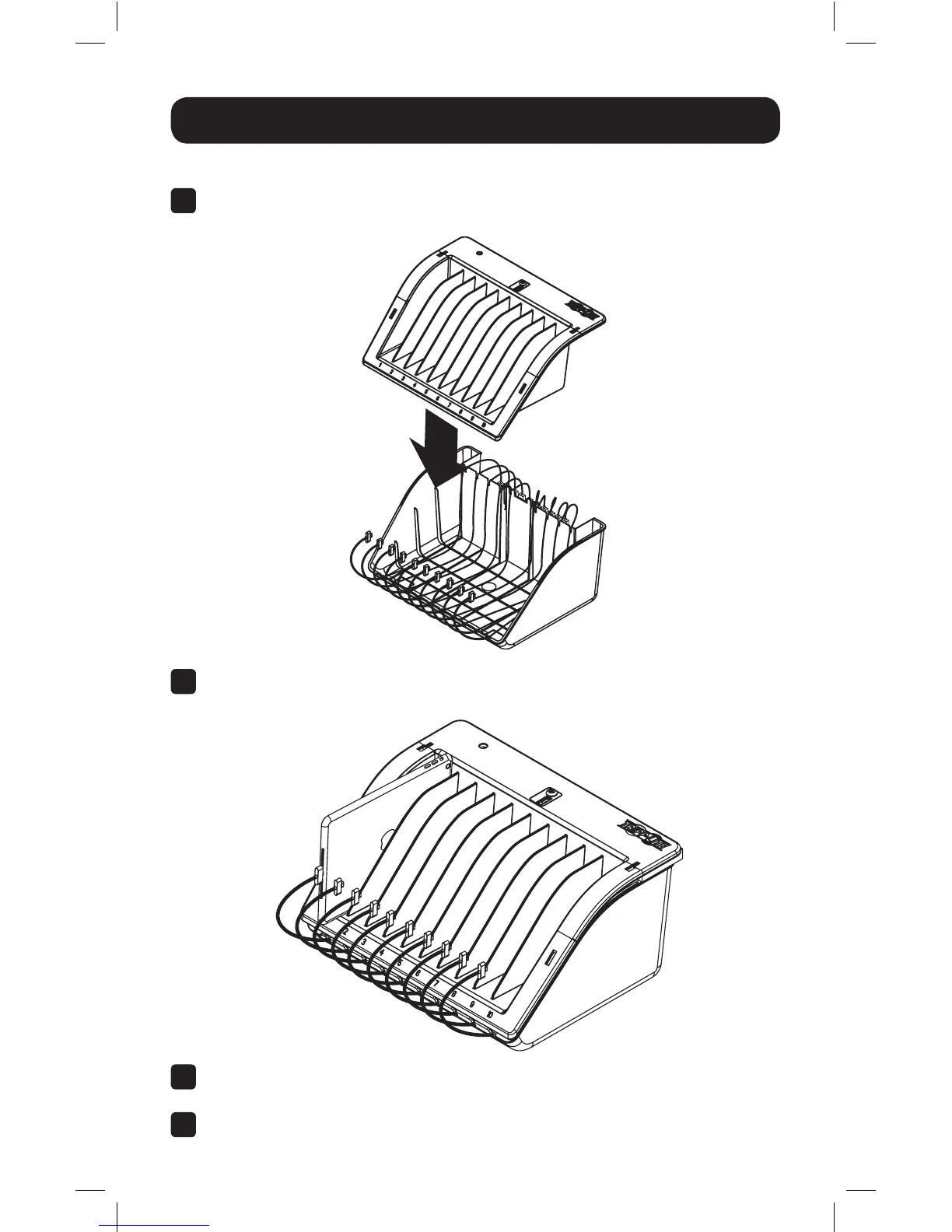
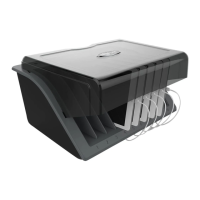
Once all desired USB cables are connected, place the storage shelf on top of
the enclosure base.
Note: To remove or adjust storage
shelf dividers, refer to pg. 11.
E
Connect the electronic devices to the USB power cables and place items inside
the shelf tray.
F
Use the included power supply to connect the charging unit to a Tripp Lite
surge protector or AC wall outlet.
G
Proceed to step 5.
17-01-037-93362C-EN.indd 7 1/5/2017 5:07:14 PM



 To Next Page