
 Need help?
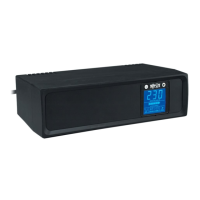
Do you have a question about the Tripp Lite SMX1000LCD and is the answer not in the manual?
Safety guidelines for placing and connecting the UPS to prevent hazards.
Precautions for connecting equipment and handling UPS batteries safely.
Steps for positioning the UPS and connecting it to a wall outlet.
Guidance on plugging equipment into the UPS for protection and backup.
How to use the ON/OFF and MUTE/TEST buttons for UPS functions.
Understanding the indicators and meters on the UPS LCD screen.
Details on battery backup/surge and surge-only protected outlets.
Information on USB, Tel/DSL ports, and AC input for system integration.
Procedures for safely storing the UPS to maintain its condition.
Steps for diagnosing issues and contacting service for assistance.
 General
| Brand | Tripp Lite |
|---|---|
| Model | SMX1000LCD |
| Category | UPS |
| Language | English |



 To Next Page
