EasyManua.ls Logo

Tripp Lite SRCOOL12K - User Manual

Tripp Lite SRCOOL12K
40 pages
Print Icon
To Next Page IconTo Next Page
Loading...
1
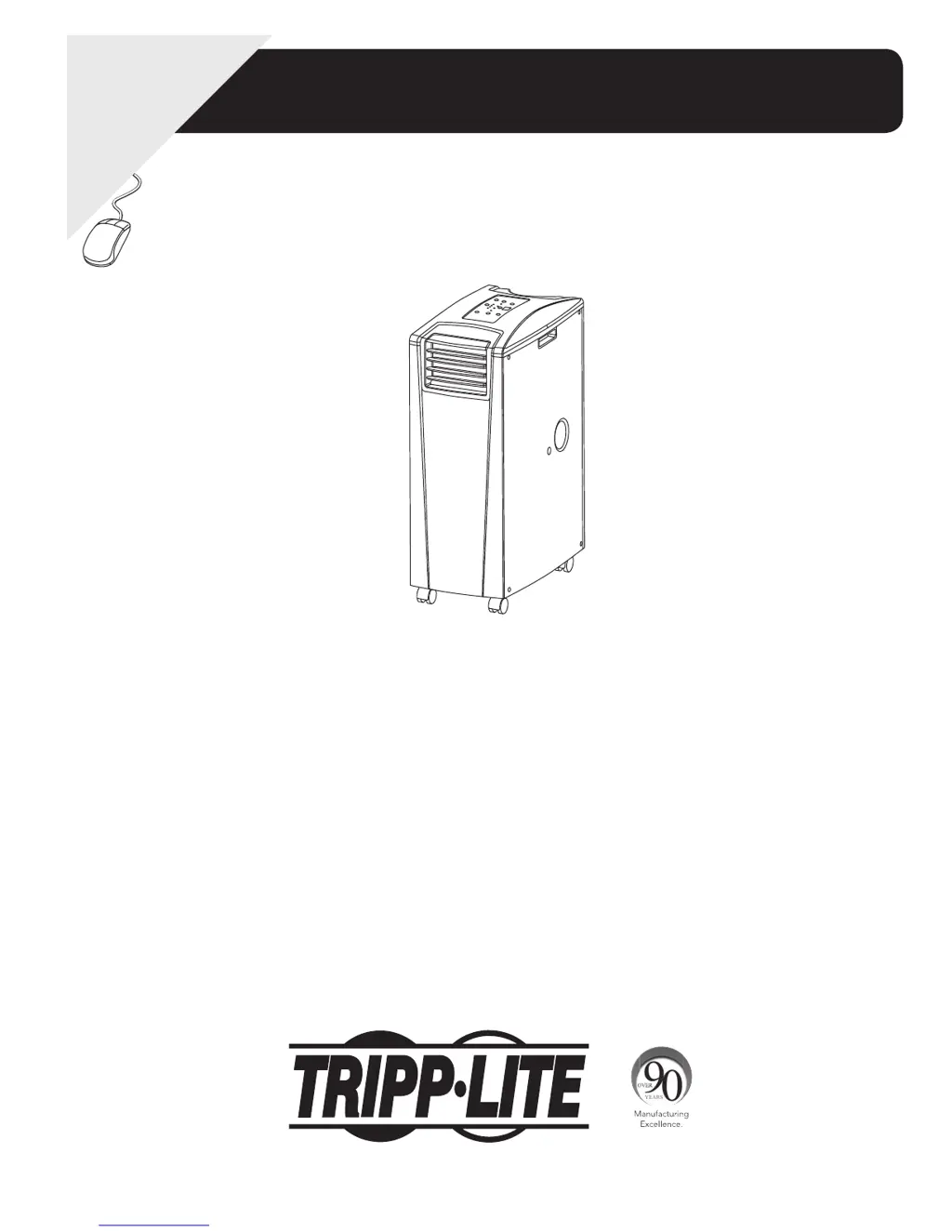
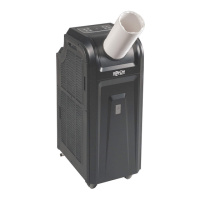
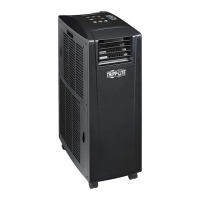
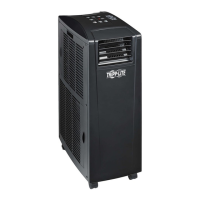
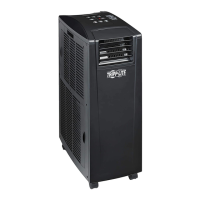
Portable Air Conditioning Unit
SRCOOL12K (120 V, 60 Hz)
SRXCOOL12K (230V, 50 Hz)
Owner’s Manual
Warranty
Registration:
register online today for a
chance to win a FREE Tripp Lite
product—www.tripplite.com/warranty
Introduction 2
Important Safety Instructions 2
Features 3
Installation 4
Operation 8
Maintenance 9
Troubleshooting 9
Storage & Service 10
Warranty & Warranty Registration 10
Español 11
Français 21
Русский 31
1111 W. 35th Street, Chicago, IL 60609 USA • www.tripplite.com/support
Copyright © 2013 Tripp Lite.

Other manuals for Tripp Lite SRCOOL12K

Questions and Answers

  • D
    Daniel EricksonJul 26, 2025
    What to do if my Tripp Lite SRCOOL12K Air Conditioner cooling performance is unsatisfactory?
    • E
      emilyashleyJul 26, 2025
      Several factors can impact cooling performance. First, ensure that air exhaust or intake isn't blocked. Next, adjust the temperature and fan speed settings to more appropriate levels. Dirty air filters can also reduce performance, so clean them. Finally, if the unit's cooling capacity is exceeded by the heat load of the rack enclosure, room size, or ambient temperature, consider installing additional units or contact Tripp Lite for alternative cooling solutions.
  • B
    beth02Jul 31, 2025
    What to do if my Tripp Lite Air Conditioner does not function?
    • V
      vbarnesJul 31, 2025
      If your unit isn't working, first ensure that the unit is turned on and properly plugged into a suitable outlet. Also, check your fuses or circuit breaker to make sure that main power is available.
  • D
    Dawn SmithAug 5, 2025
    What does Error Code E4 mean on my Tripp Lite SRCOOL12K Air Conditioner and how to fix it?
    • J
      Jacqueline GilbertAug 5, 2025
      Error Code E4 indicates that you should clear the error by emptying the water tank.
  • M
    Megan OnealAug 10, 2025
    Why is my Tripp Lite SRCOOL12K Air Conditioner leaking water?
    • A
      Andrea Hawkins MDAug 10, 2025
      If your unit is leaking water, make sure the drainage plug is properly installed in the drainage outlet.
  • E
    erinadamsAug 15, 2025
    What to do if my Tripp Lite Air Conditioner generates excessive noise or vibration?
    • M
      Madison EwingAug 15, 2025
      If your unit is making too much noise or vibrating, the issue may be that it is sitting on an uneven or unstable surface. Try moving it to a level, stable surface.
  • C
    christopher53Aug 20, 2025
    What to do if my Tripp Lite SRCOOL12K has ice or frost buildup?
    • R
      richard58Aug 21, 2025
      If you notice ice or frost buildup, it could be due to excess humidity. You have a couple of options: 1. Turn off the unit and let it defrost. After defrosting, make sure the fan speed is set to HIGH. 2. Alternatively, turn off the unit to defrost it. Once defrosted, operate it in DEHUMIDIFY MODE or increase the desired temperature setpoint.

Summary

Introduction and Safety Information

Important Safety Instructions

Crucial warnings and guidelines for safe installation, operation, and storage.

Installation Guide

Unit Placement

Instructions for positioning the unit for optimal ventilation and operation.

Exhaust Duct Connection

Steps to connect the flexible exhaust duct for expelling warm air.

Drainage Plug Insertion

Guides for inserting drainage plugs for condensate management.

Operating the Air Conditioner

Cool Mode Operation

How to use the unit for cooling, including temperature and fan speed settings.

Dehumidify Mode Operation

How to use the unit for dehumidifying the air.

Maintenance and Troubleshooting

Troubleshooting Common Issues

Addresses common problems and their potential solutions.

Additional Display Error Codes

Details specific error codes and troubleshooting steps.

Tripp Lite SRCOOL12K Specifications

General IconGeneral
Product colorBlack
Fan performance329 cfm
Package depth840.7 mm
Package width391.2 mm
Package height736.6 mm
Package weight36740 g
Country of originChina
Harmonized System (HS) code8415.82.0105
Quantity per master (outer) case1 pc(s)
Weight and Dimensions IconWeight and Dimensions
Depth505 mm
Width300 mm
Height778 mm
Weight33520 g

Related product manuals