EasyManua.ls Logo

Tripp Lite SRCOOL33K - User Manual

Tripp Lite SRCOOL33K
64 pages
Print Icon
To Next Page IconTo Next Page
Loading...
1
Table of Contents
1. Introduction 2
2. Important Safety Instructions 2
3. Features 3
4. Specifications 4
5. Operation 5
6. Troubleshooting 11
7. Preventive Maintenance 12
8. Storage and Service 14
9. Warranty & Warranty Registration 15
Español 17
Francais 33
Русский 49
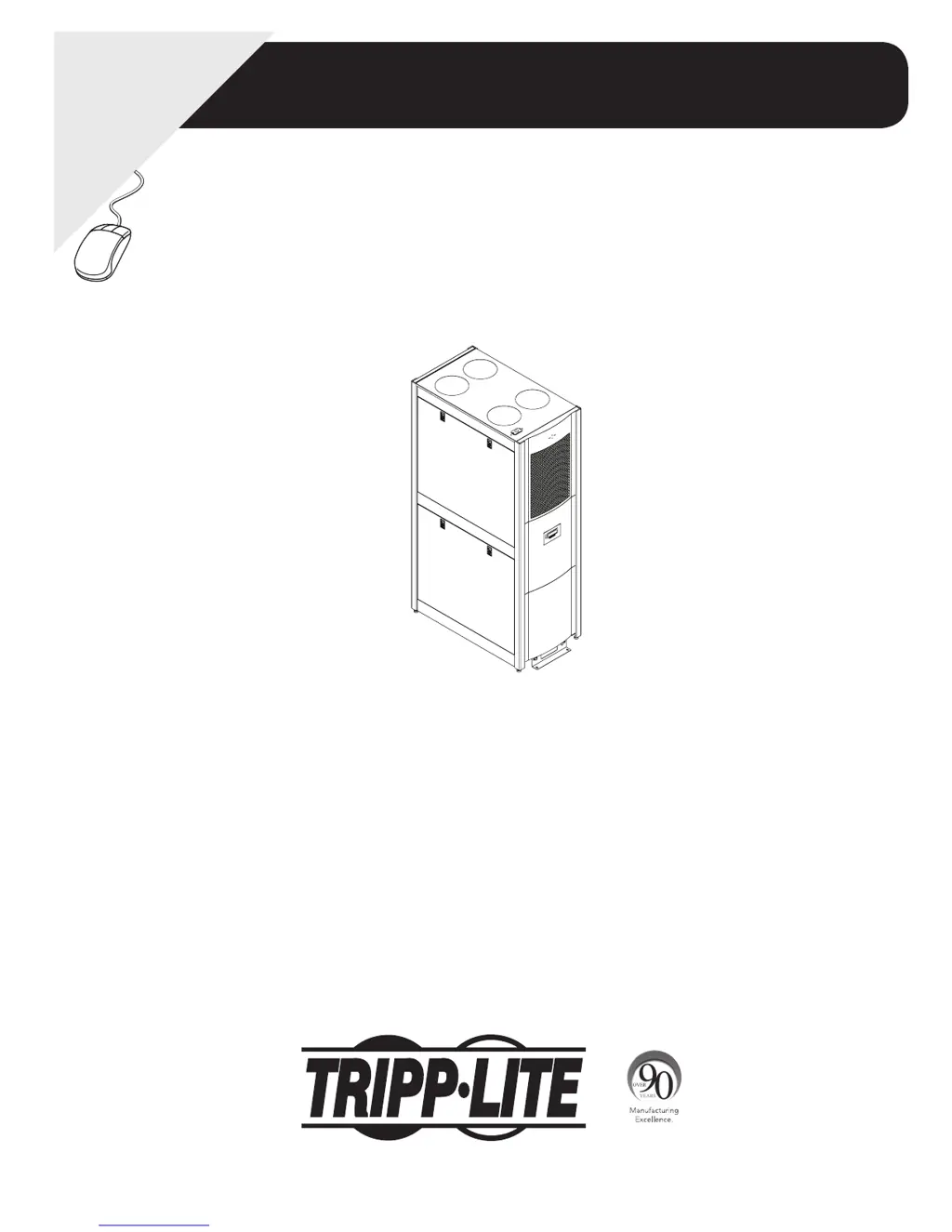
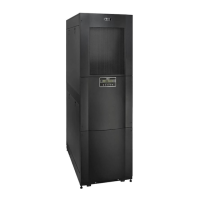
Self-Contained
Air Conditioning Unit
Models: SRCOOL33K, SRXCOOL33K
Owner’s Manual
1111 W. 35th Street, Chicago, IL 60609 USA • www.tripplite.com/support
Copyright © 2013 Tripp Lite. All trademarks are the sole property of their respective owners.
WARRANTY
REGISTRATION
Register online today for a chance
to win a FREE Tripp Lite product
www.tripplite.com/warranty

Other manuals for Tripp Lite SRCOOL33K

Questions and Answers

  • J
    John FitzgeraldAug 10, 2025
    What to do if there is water around Tripp Lite SRCOOL33K?
    • M
      mitchellsamanthaAug 11, 2025
      If you find water around your Tripp Lite Air Conditioner, here are a few things to check: * Make sure the condensate drain hose is properly connected and routed to the pump and outside the cooling unit. * Look for and repair any leaks in the drain system. * Adjust the cooling unit's leveling feet to ensure it's properly leveled. * Inspect the piping insulation for damage and repair as needed.
  • A
    Adam LunaAug 15, 2025
    What to do if Tripp Lite Air Conditioner has excess water in or around it?
    • H
      hfoxAug 15, 2025
      If you notice excess water in or around your Tripp Lite Air Conditioner, it could be due to a few reasons: * High room humidity. In this case, add a drain line, adjust the set point on humidifying equipment, and improve room sealing. * A dirty filter. Try cleaning the filter. * A dirty coil. Make sure to clean the coil.
  • L
    Laurie SmithAug 20, 2025
    Why Tripp Lite Air Conditioner cannot achieve setpoint?
    • A
      Adam PetersenAug 20, 2025
      Your Tripp Lite Air Conditioner might not be reaching the setpoint due to several reasons: * The filter might be dirty, so try cleaning it. * The coil could be dirty; clean the coil. * The heat load may be too far away; relocate the cooling unit closer to the heat source. * The fan speed may be set too low; adjust the fan speed to Auto or increase it.
  • C
    Christopher FosterAug 26, 2025
    Why is my Tripp Lite SRCOOL33K noise level excessive?
    • J
      Jacqueline WilsonAug 26, 2025
      If your Tripp Lite Air Conditioner is making too much noise, it might be due to improper fan speed. Try selecting a lower fan speed to reduce the noise.
  • V
    Victoria JordanAug 30, 2025
    How to fix a Tripp Lite Air Conditioner fan that fails to start?
    • C
      Casey BurtonAug 30, 2025
      If the fan on your Tripp Lite Air Conditioner isn't starting, here are a couple of things to consider: * The cooling unit might have shut down due to an external command. Try disconnecting the communications cable and restarting the unit. * The fan itself might be faulty, in which case you should replace it.
  • J
    Jacob CisnerosSep 4, 2025
    What to do if Tripp Lite Air Conditioner operates but LCD panel does not function?
    • R
      Rhonda BergerSep 4, 2025
      If your Tripp Lite Air Conditioner is running but the LCD panel isn't working, the local display might not be properly connected. Verify that the local display cable is correctly connected.

Tripp Lite SRCOOL33K Specifications

General IconGeneral
Cooling Capacity33, 000 BTU
Voltage208/230V
RefrigerantR410A
Weight242.5 lb
Cooling TypePortable
Airflow477 CFM
Operating Temperature64°F to 104°F
Hertz60Hz
PhaseSingle-Phase

Related product manuals