11
6. Troubleshooting
Locate the problem and review possible solutions in the following table. If the problem persists, visit www.tripplite.com/support to obtain
service.
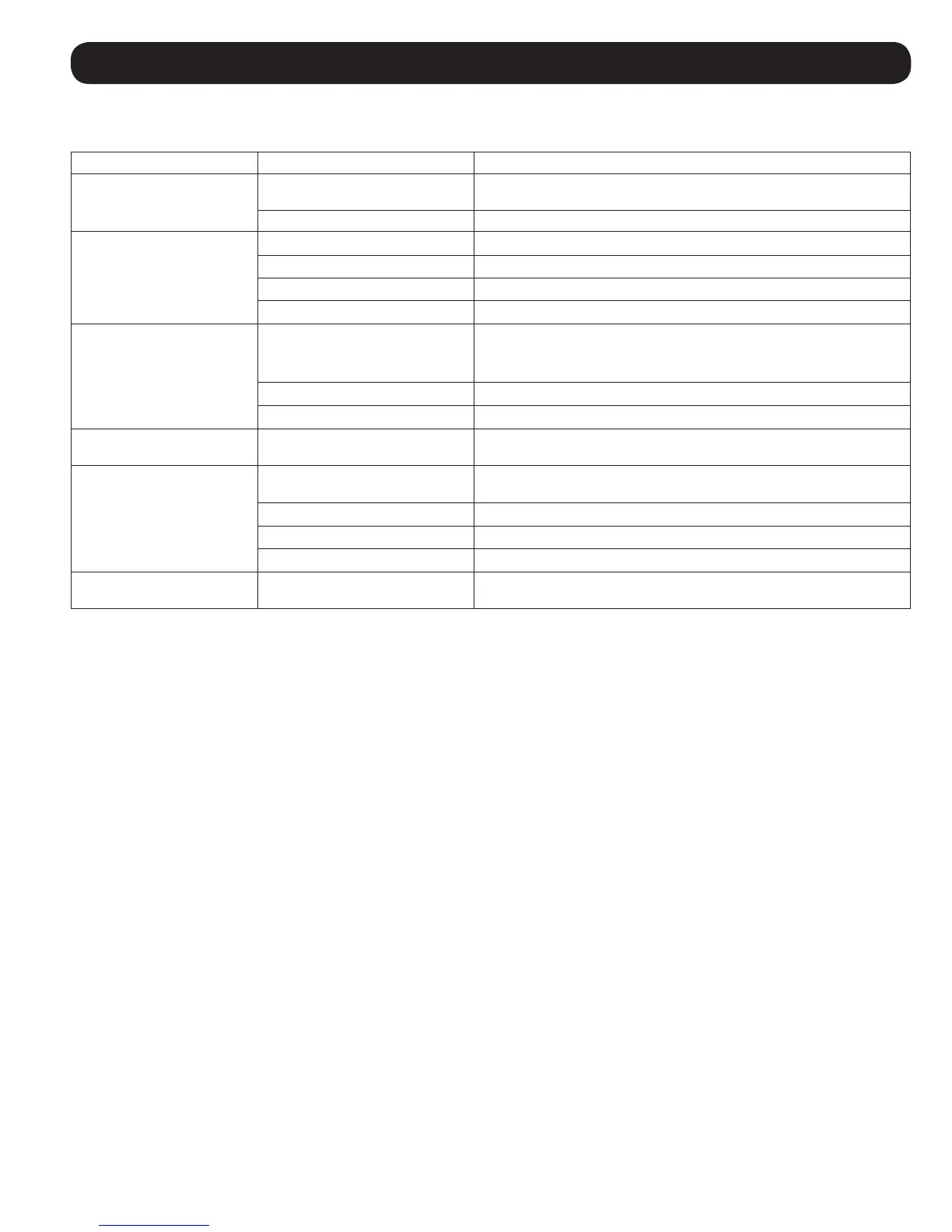
Problem Possible Cause Possible Solution
Fan fails to start. Cooling unit shutdown due to an
external command.
Disconnect communications cable and restart unit.
Faulty fan. Replace the fan.
Cooling unit cannot achieve
setpoint.
Dirty filter. Clean filter.
Dirty coil. Clean coil.
Heat load is too far away. Relocate cooling unit.
Improper fan speed. Fan speed set to Low. Set fan speed to Auto or increase fan speed.
Excess water in or around
the unit.
Room humidity too high. Add drain line.
Adjust set point on humidifying equipment.
Improve room sealing.
Dirty filter. Clean filter.
Dirty coil. Clean coil.
Cooling unit noise level is
excessive.
Improper fan speed. Select lower fan speed.
Water around cooling unit. Condensate drain hose not
connected or not properly routed.
Verify proper connection of condensate drain hose, proper routing to
pump and proper routing outside of cooling unit.
Leak in drain system. Locate and repair leak.
Cooling unit not properly leveled. Adjust cooling unit’s leveling feet.
Piping insulation damaged. Locate damage area and repair insulation.
Cooling unit operates but
LCD panel does not function.
Local display not properly
connected.
Verify proper connection of local display cable.


 To Next Page