6
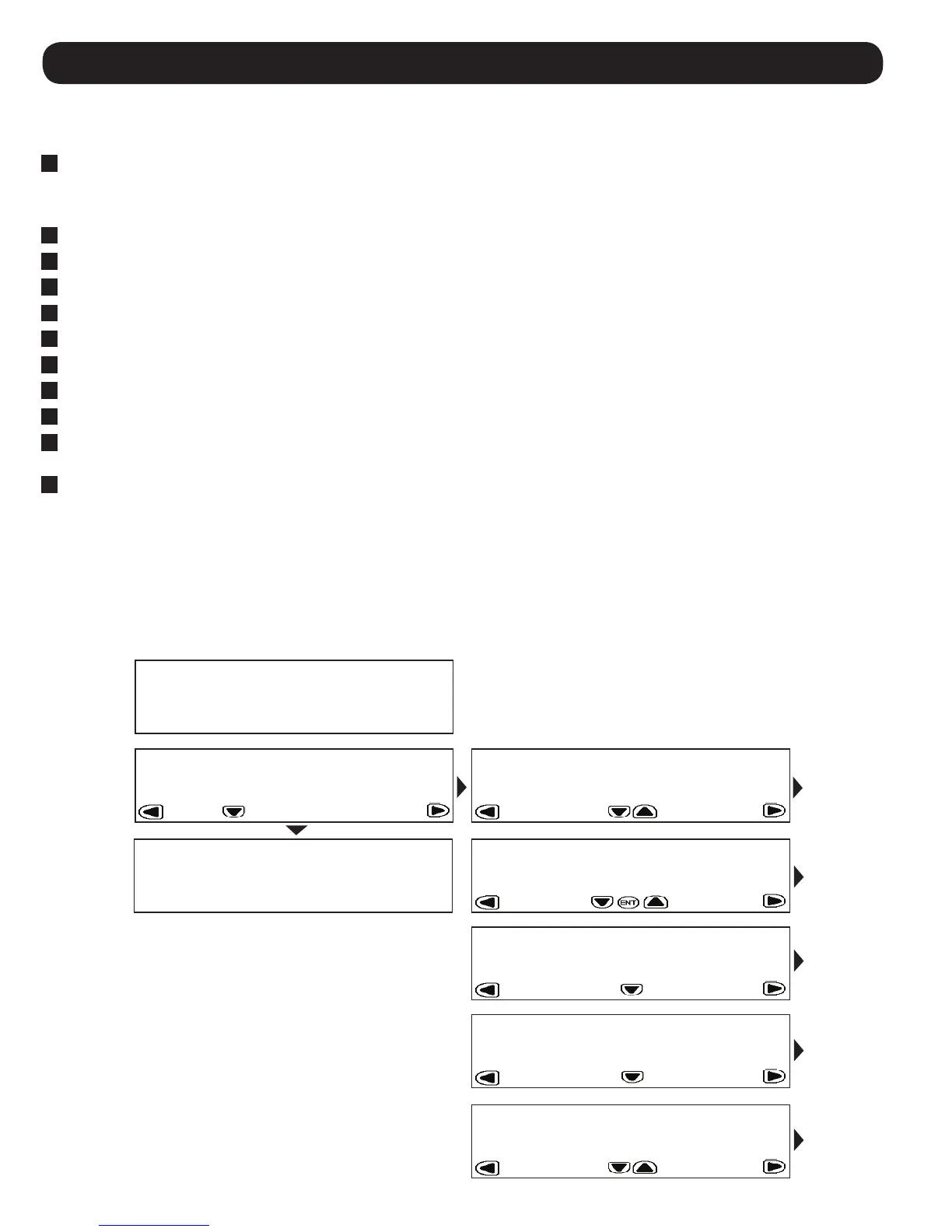
5.4 LCD Control Panel Menu Map
The SRCOOL33K/SRXCOOL33K is configured and controlled via an interactive, menu-based LCD Control Panel. Navigate from menu to menu
by touching the left and right arrows. There are five menus: STATUS, SETUP, LOGS, INFO and HELP. When the SRCOOL33K/SRXCOOL33K is
initialized, the HOME screen appears. The HOME and ALARMS screens are menus that alert you to the status of the unit. To navigate within
a menu, use the up and down arrows.
5. Operation
5.3 Initial Operation
To Power the Unit On
1
Make sure that the SRCOOL33K/SRXCOOL33K is properly connected to the AC input source according to the Installation Manual.
To Change Initial Cooling Temperature
1
Scroll right to the SETUP Menu.
2
Press ENT to access the password screen.
3
Press SET to select Open Password option then press ENT to access the sub-menu.
4
The default password is 000000 and is already listed on the screen. Press SET to enter the password and press ENT to confirm.
5
The display will read SYSTEM UNLOCKED. The system will lock itself automatically after 3 minutes of inactivity.
6
Press the HOME button to return to the home screen.
7
Scroll right to the SETUP Menu.
8
Scroll down to the first sub-menu of the SETUP Menu.
9
Enter the desired Target Temperature using SET to select the temperature field and the up/down arrow keys to modify the numerical
value. Press ENT to confirm new temperature.
10
Pressing the ENT key will now toggle the Cooling Mode ON and OFF.
Note: The unit has a factory default cooling temperature of 25°C (77°F).


 To Next Page