Page 4
6
Turn the unit right way up and test that all four feet
are sitting on the ground. Make any necessary
adjustments by extending one of the legs slightly
from its’ sockets to prevent the unit from rocking.
The front legs are stored inside the rear ones. Slide
the front legs out, as shown above. (Note that the
locking holes (shown) must align for leg storage.)
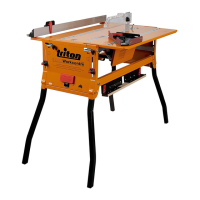
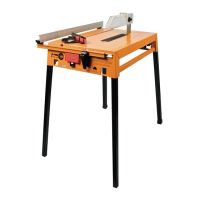
Plug the Rear Legs (B)
(with rubber feet) fully
into the sockets at the
rear of the unit (furthest
end from the switch-
box). Plug the Front
Legs (C) (with plastic
foot plugs) in the front
panel sockets.
Lock them by tightening
the round knobs.
Locking
holes
4
5
SET-UP
Removing and Fitting the Legs
Set up the unit in
a well-lit,
uncluttered
environment,
preferably on a
bench or table.
Release the lock
knobs inside the
rear panel by
rotating them.
1
Move the legs (B & C) sideways to disengage them
from the locking tabs.
Slide them out from their storage position.
2
Fitting the Saw Slot Insert (J)
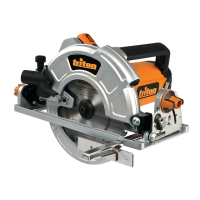
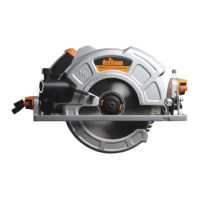
Release the height lever on the saw and allow the
blade to drop beneath the table surface.
With the red plastic latch at the front of the saw slot
slid backward, insert the tabs at the front of the
saw slot insert (J) into the two cut-outs in the table
depression. Twist it slightly to engage the tabs on
either side of the insert. Push the latch forward to
lock it in position.
Raise the saw all the way up and re-lock the saws
height lever and remove the rubber band holding
back the saw guard.
1
3


 To Next Page
 Loading...