[11]
Troubleshooting
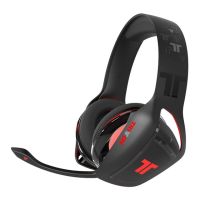
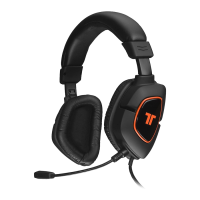
Microphone isn’t working:
• Make sure that the microphone is properly inserted into the microphone port.
• Check that the 3.5mm stereo audio connector is rmly plugged into the
headset jack on the PS Vita.
• Make sure that the mic mute switch is not set to mute.
• Make sure that the mic mute option on the PS Vita is not enabled.
No Sound:
• Check that the volume on the in-line controller is not turned all the way down.
• Check that the volume on the PS Vita is not turned all the way down.
• Check that the 3.5mm stereo audio connector is rmly plugged into the
headset jack on the PS Vita.



 To Next Page