[10]
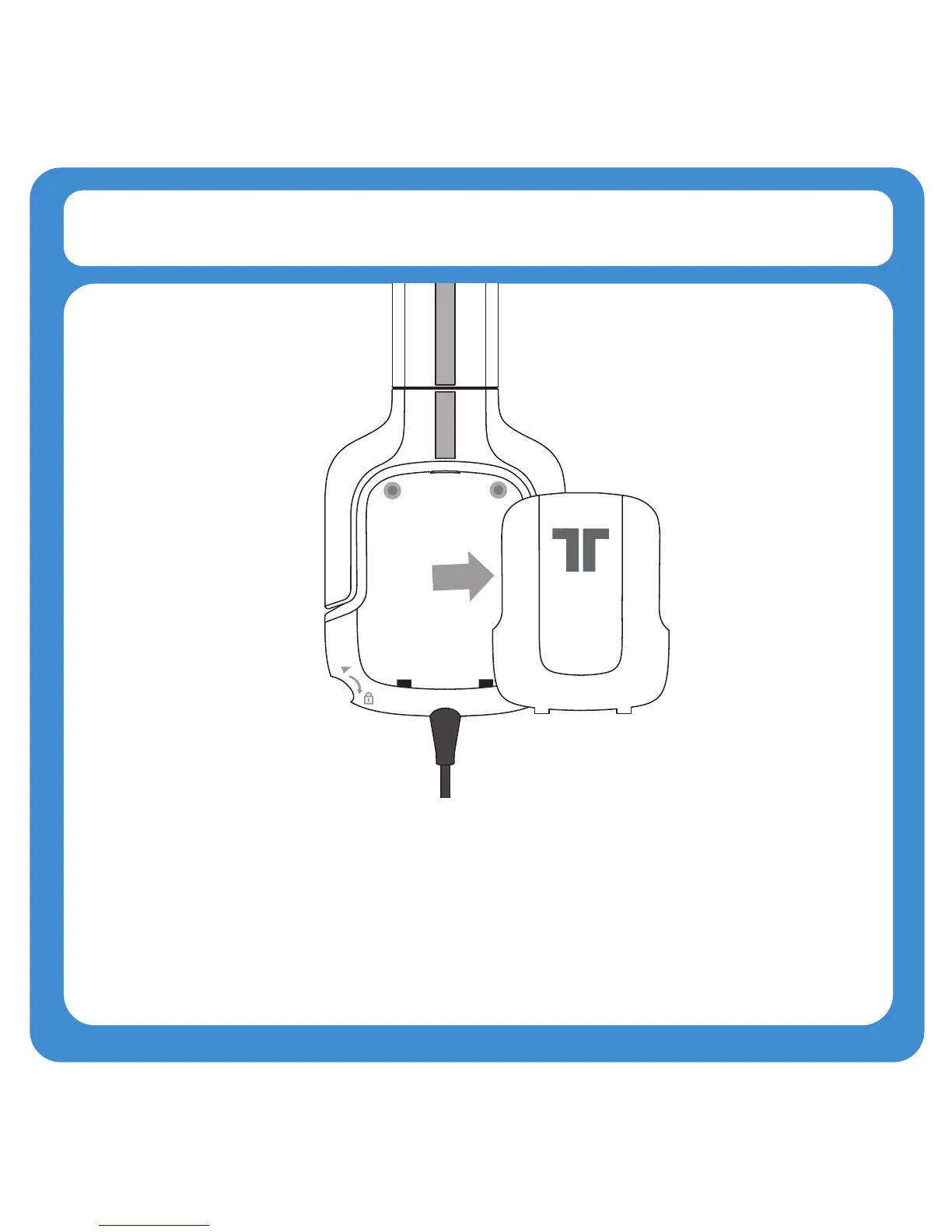
Speaker Tags
1. The speaker tags are held in place with magnets. Remove them by pulling
on the slots located at the top of the speaker plates.
2. To replace the speaker tags, line up the tabs on the speaker tag with the
holes at the bottom of the earcup, and then tilt the speaker tag forward so that
the magnets hold it in place.



 To Next Page