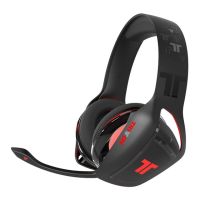
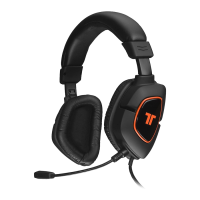
[9]
Connect to PlayStation 3
1. Connect the USB Cable to a USB port on the console.
2. Connect the RCA Connectors to the console AV cable.
3. Plug the headset into the in-line controller.
On the PS3 go to Settings > Sound Settings and change the audio output to be
“Audio Input Connector / SCART / AV Multi.”
On the PS3 go to Settings > Accessory Settings > Audio Device Settings, and
set both the input and output to “TRITTON KUNAI Headset.” You can see a
visual confirmation that the microphone is functioning if the bar graph moves.



 To Next Page