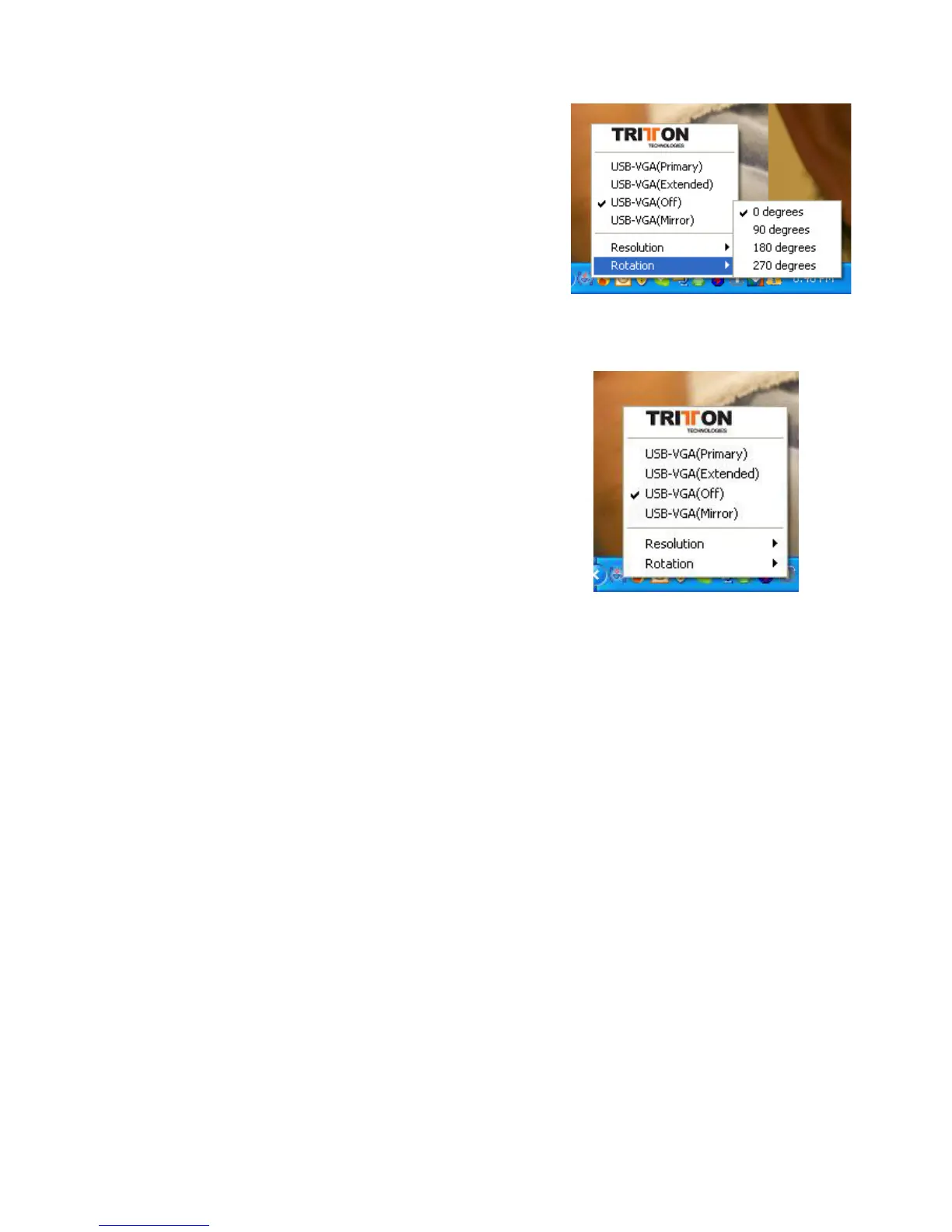
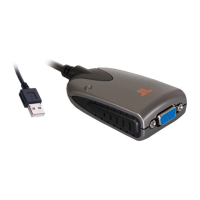
Rotation
Many LCD monitors allow you to turn the display
90 degrees (portrait mode). This feature enables
setting the orientation of the secondary CRT/LCD
monitor. Several options such as “90 degrees”,
“180 degrees”, 270 degrees” or “0 degress” are
available under the Extended or Primary mode
“OFF” Mode
This option disables the SEE2 video port on the
system.
6


 To Next Page